Digital signage for shops in Malaysia
Digital signage for shops, run from one dashboard
OutDeck plays your menus, promos and videos on the Android TVs, TV boxes, tablets, phones and Windows PCs in every shop, on the schedule you set. Screens keep playing if the internet drops, and you pay per shop, not per screen.
- Free demo
- No card required
- Android TV, TV box, tablet, phone or Windows PC

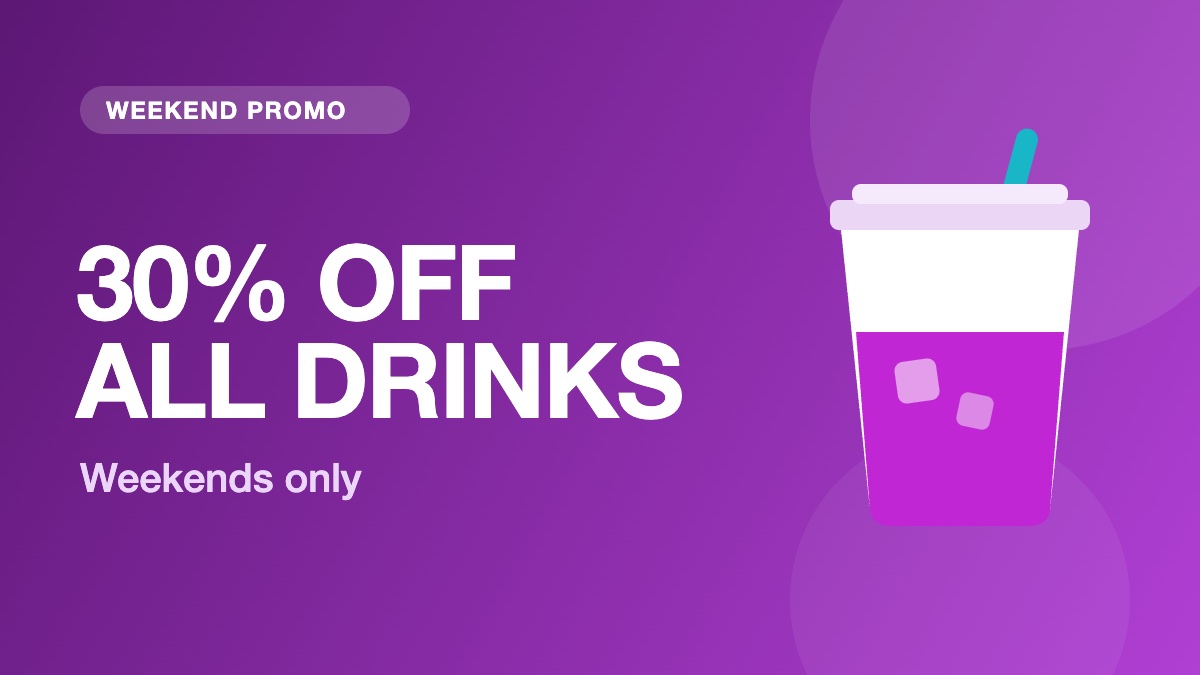
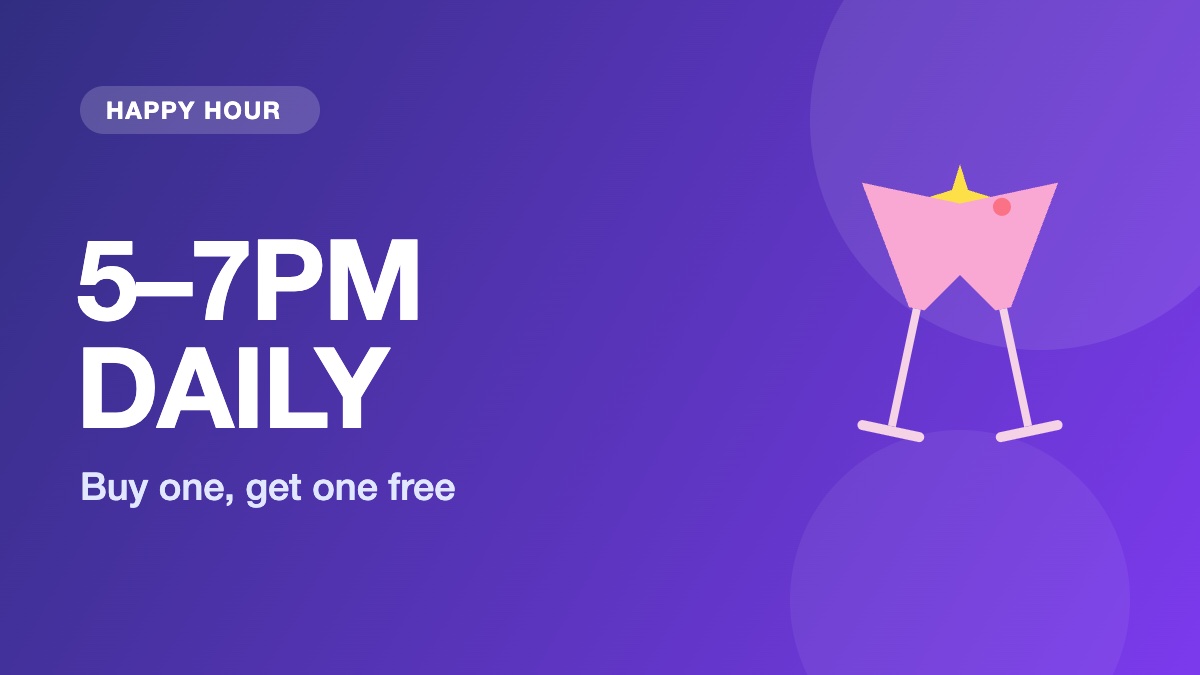
Front window, today
Schedule by date, day of the week and time of day, even past midnight.
- Priced by shop From RM29 /month Up to 2 screens in a shop, same price. Plans go by how many shops you run.
- When the internet drops Keeps playing Each screen plays its saved copy, then catches up when it reconnects.
- Screen status Every screen See which screens are online and when each last checked in.
- All your shops One account Each shop keeps its own time zone. Managers and staff see only the shops given to them.
Screens
Works on the screens you already have
Install the free OutDeck Player app on each screen, then run them all from one dashboard.
- Android TV and TV box Install the app, then type the code the screen shows into your dashboard. A TV that is not Android can use an Android TV box. Android TV screens
- Tablet and phone Sign in on the screen, pick a shop and a playlist, and it pairs itself. Or pair it with a code. Phone and tablet screens
- Windows PC Download the player for a 64-bit Windows 10 or 11 PC, then sign in on the screen or pair it with a code. Windows screens
Features
One dashboard for every screen in every shop
See which screens are online in every shop, and sync or restart one without visiting the shop.
See all features- Front window Shop 1 Online Seen 1 minute ago
- Counter Shop 1 Online Seen 1 minute ago
- Menu board Shop 2 Offline Seen 3 hours ago
Sync now, Identify screen, Restart screen: for one screen or a whole shop. An offline screen keeps playing its saved copy and catches up when it reconnects.
- Scheduling Give each screen an everyday playlist, then switch to other playlists by date, day and time, even past midnight.
- Offline playback Each screen saves its playlist and media, so once downloaded it keeps playing when the internet drops, then catches up when it reconnects.
- Screen management Pair a screen by typing its code, see which screens are online, and sync, identify or restart the player app without visiting the shop.
- Shops and teams All your outlets in one account, each in its own time zone, with managers and staff who see only the shops they look after.
- Playlists Line up images and videos, drag them into order, set how long each one shows, and let it loop all day.
- Synchronized playback Switch on Synchronized for a playlist and every screen showing it changes together, in step.
- Media library Drop in images and videos once, then use them in any playlist, for one shop or all of them.
- Reports See plays per day and your top 10 media for the last 7 or 30 days, plus which screens are online and when they last checked in.
How it works
Install, build, then schedule
From a new screen to your first promo playing, in three steps you can do yourself.
-
Step 1: Install and pair
Install the free OutDeck Player app on an Android TV, TV box, tablet, phone or Windows PC. Type the code it shows into your dashboard, or sign in on the screen.
-
Step 2: Build your content
Upload your images and videos and arrange them into playlists, as many as you need, shared across shops or kept to one.
-
Step 3: Schedule and publish
Choose when and where each playlist plays. Online screens update within seconds by themselves, and they keep playing if the internet drops.
Who it's for
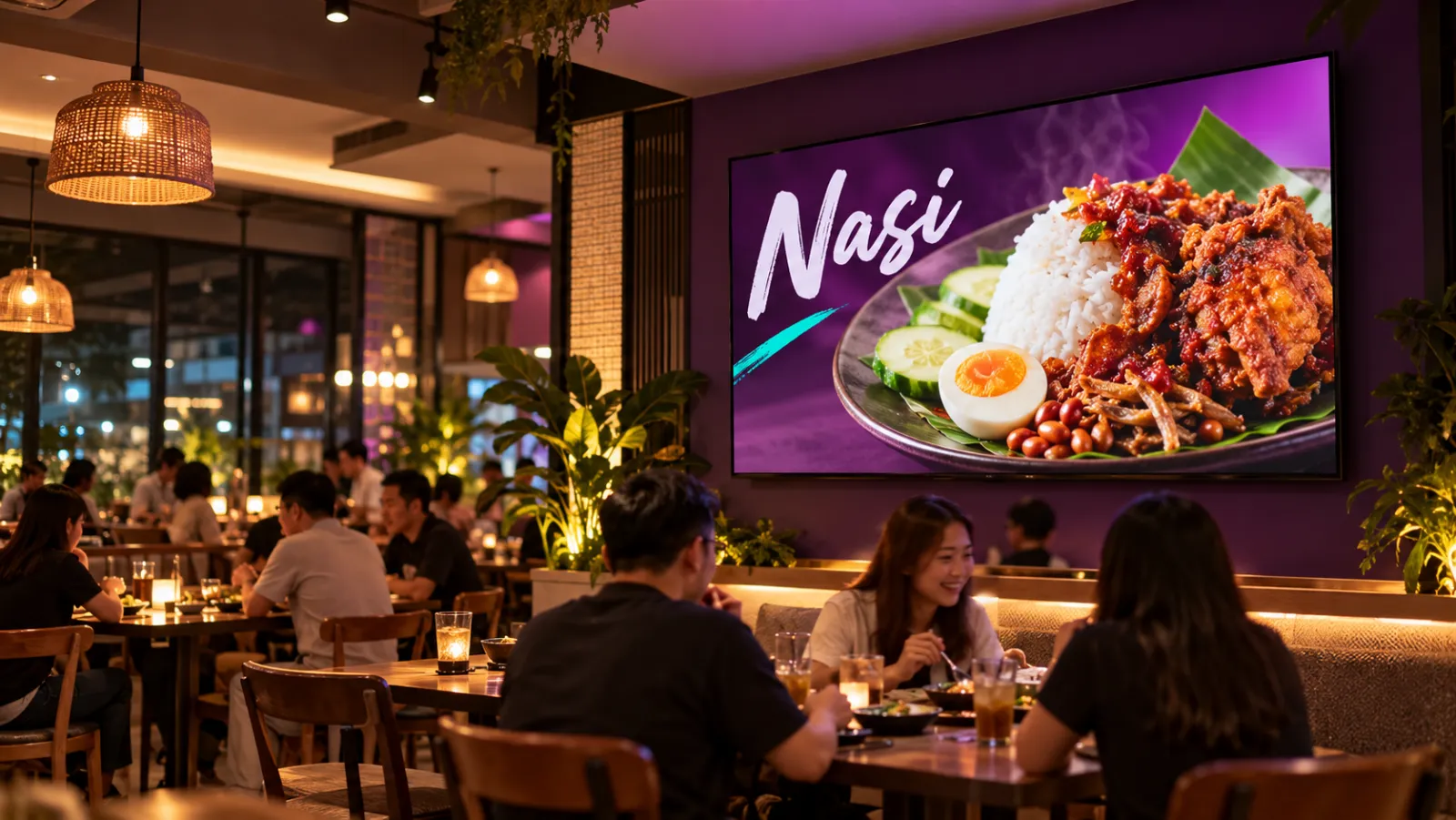
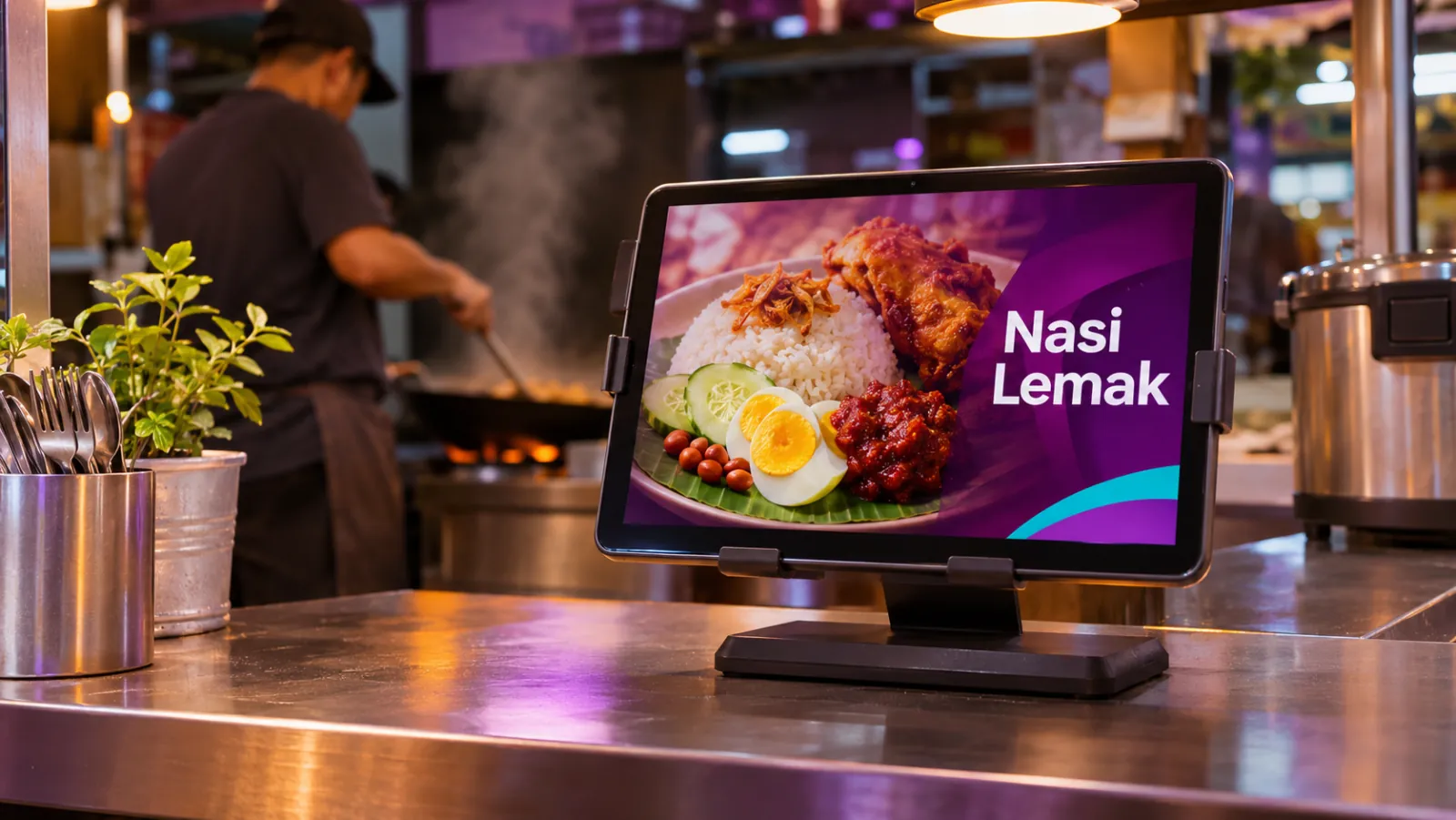
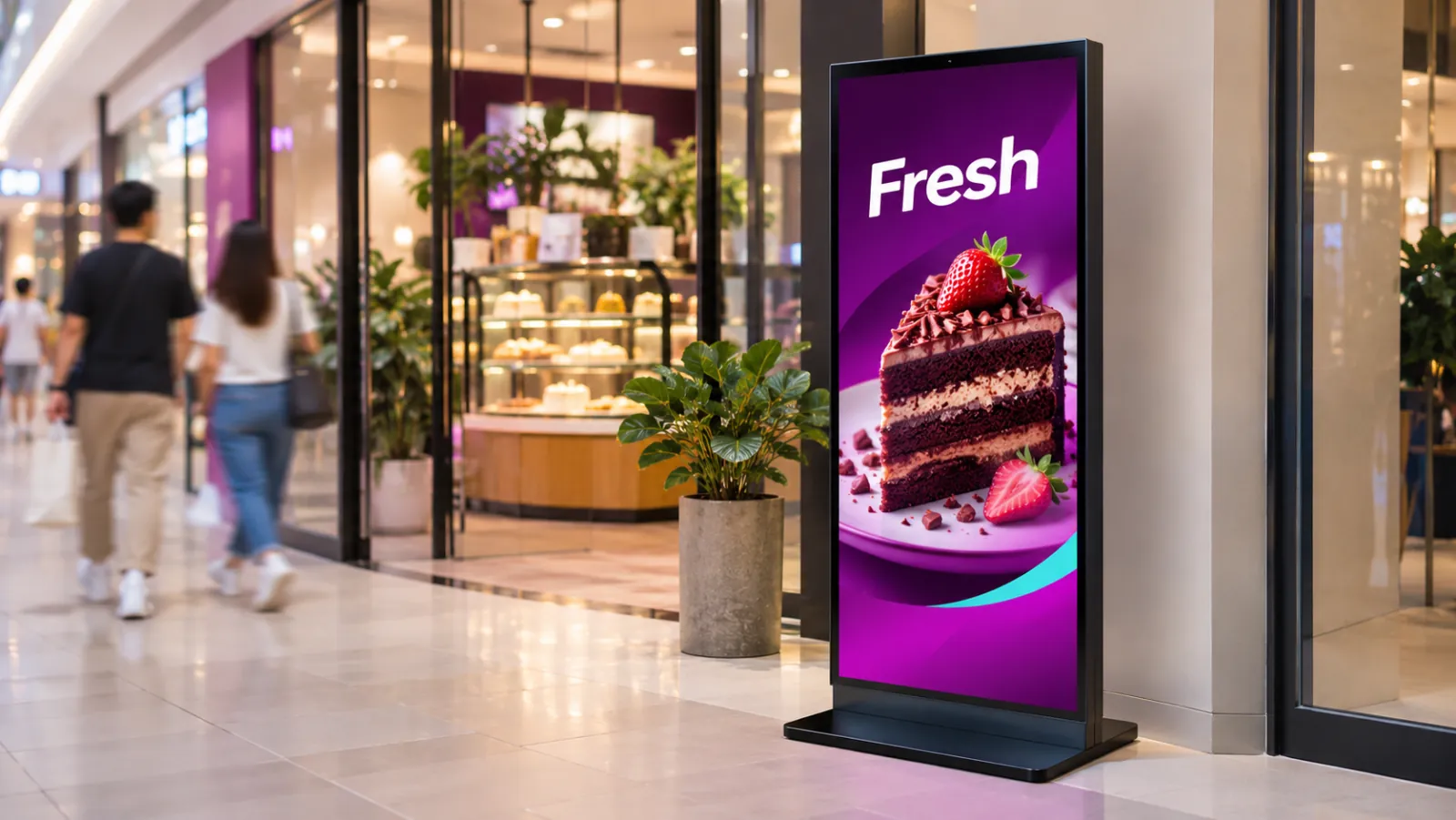
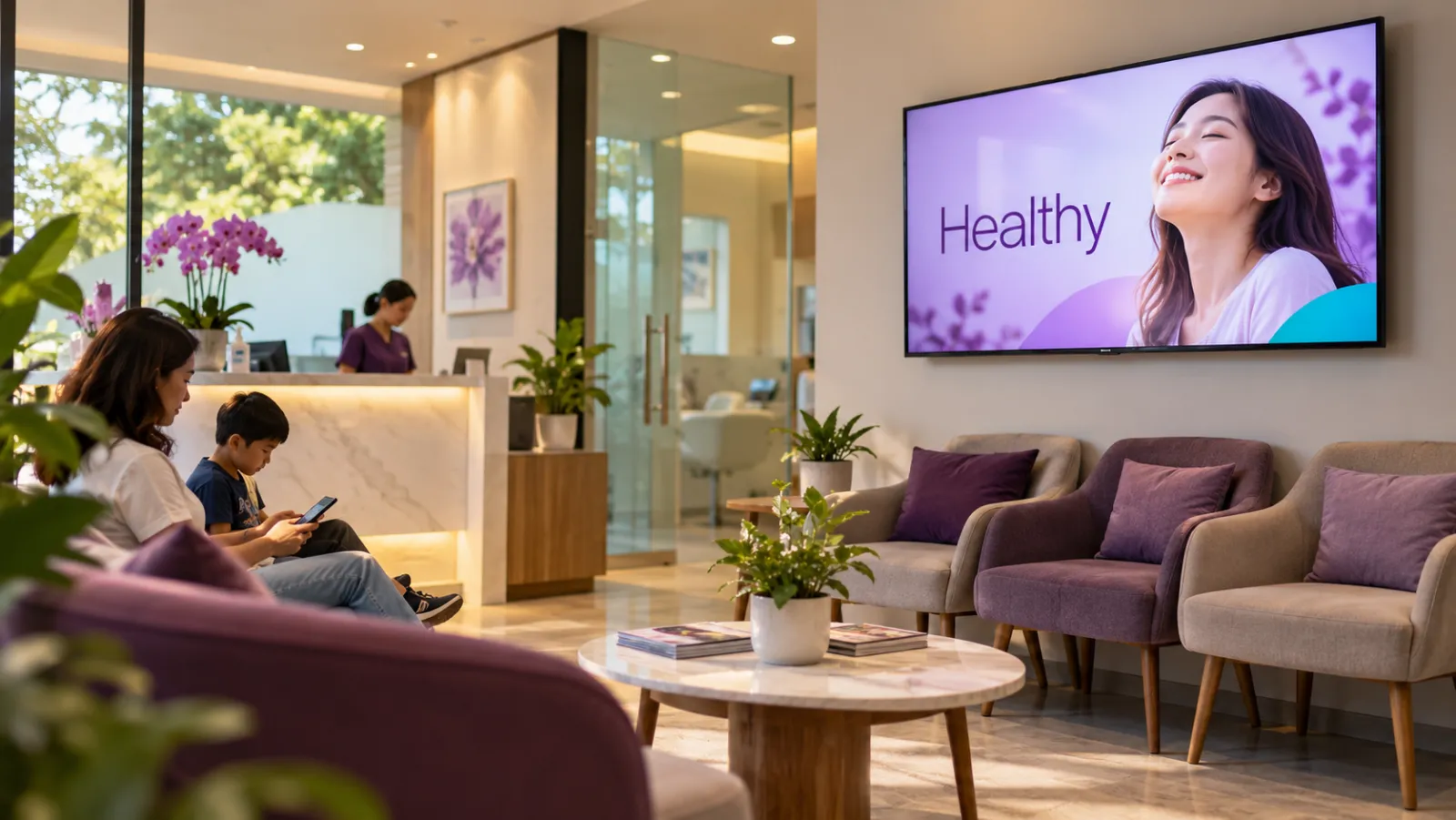
Digital signage for every kind of shop
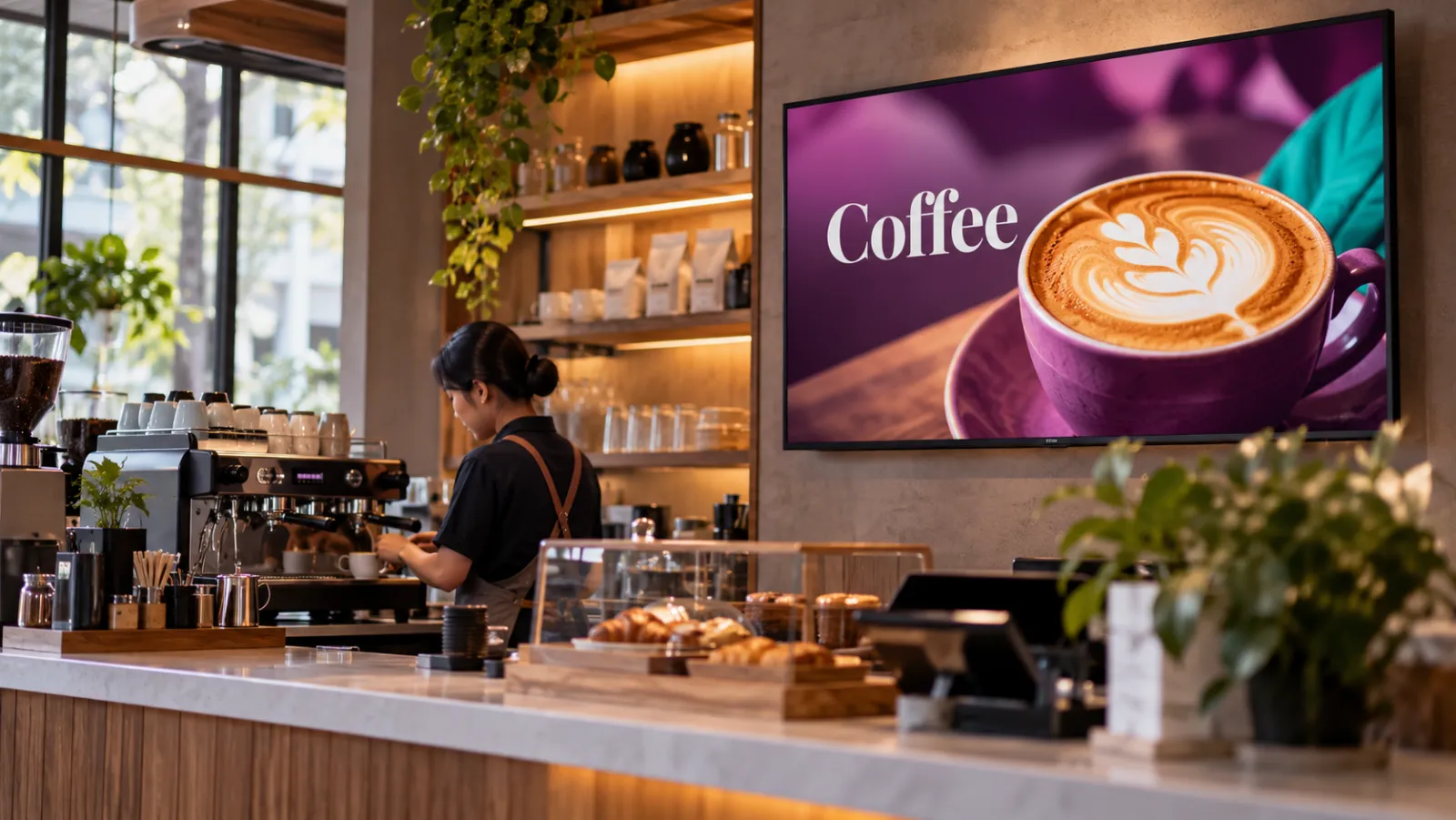
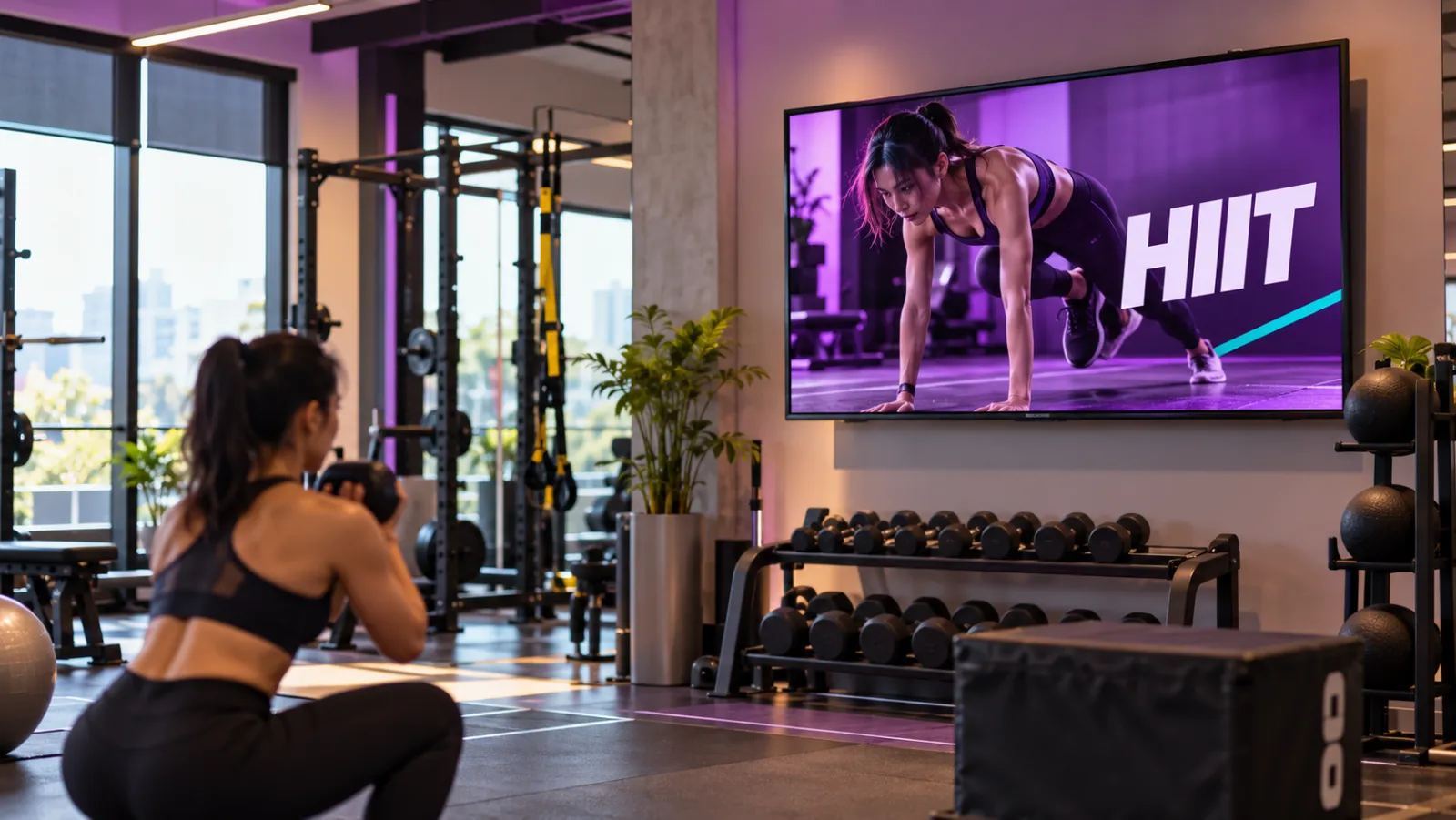
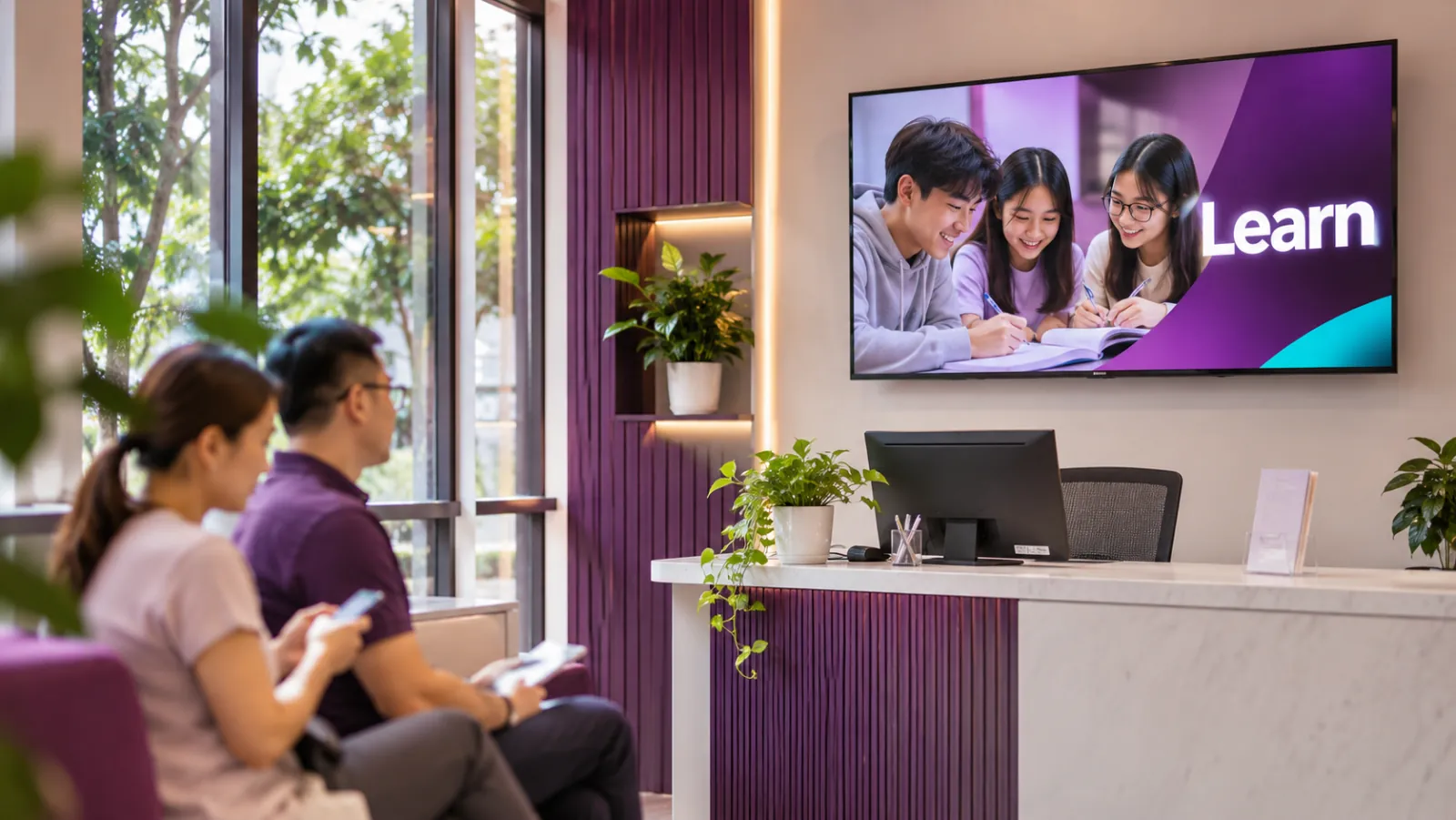
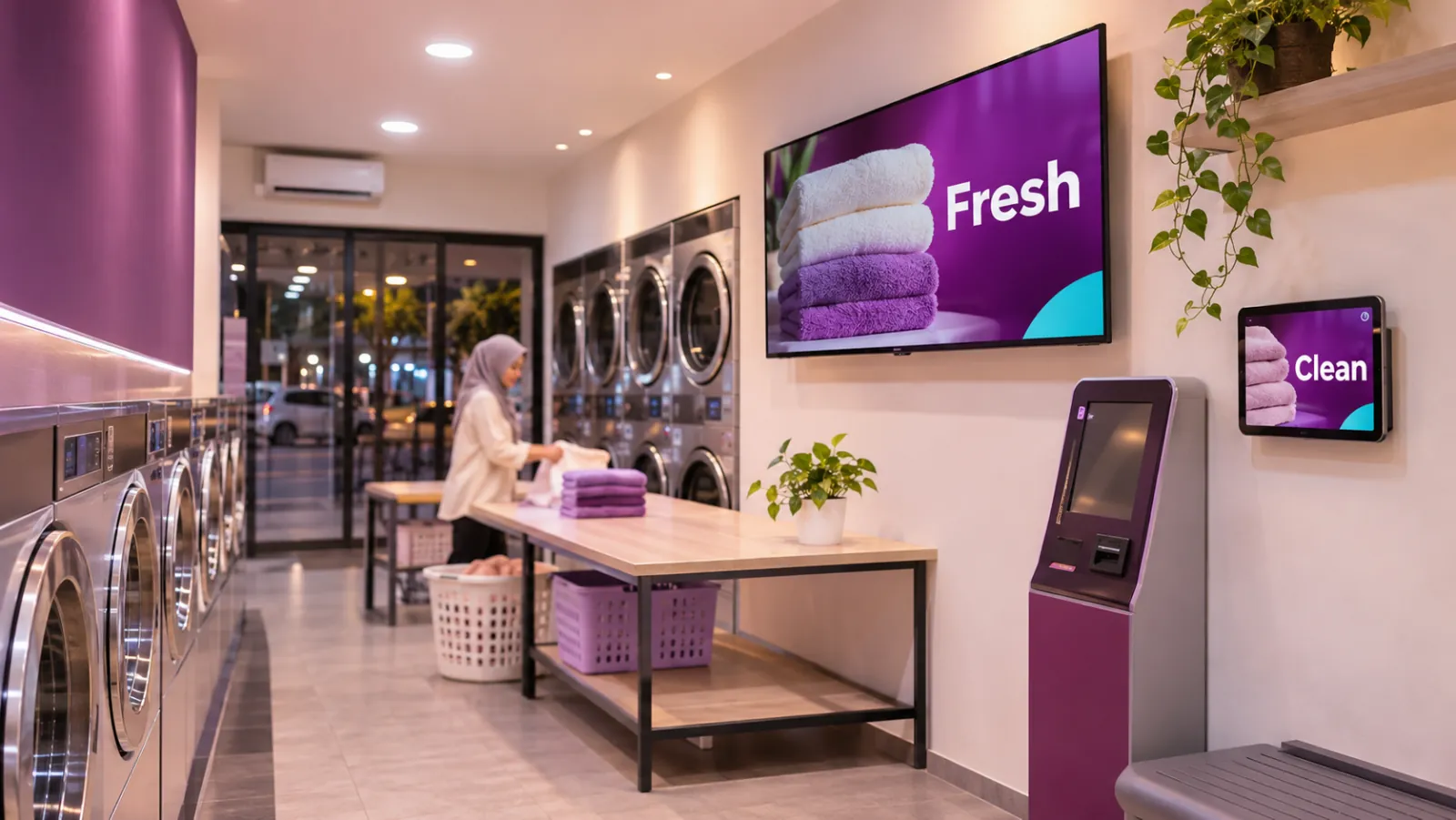
From a single café to a chain of stores, OutDeck runs on Android TVs, Android TV boxes, tablets and phones on Android 8.0 or newer, and on Windows 10 or 11 PCs.



Why OutDeck
Stop driving between shops to change a screen
Swap USB sticks and guesswork for one dashboard that updates your screens for you.
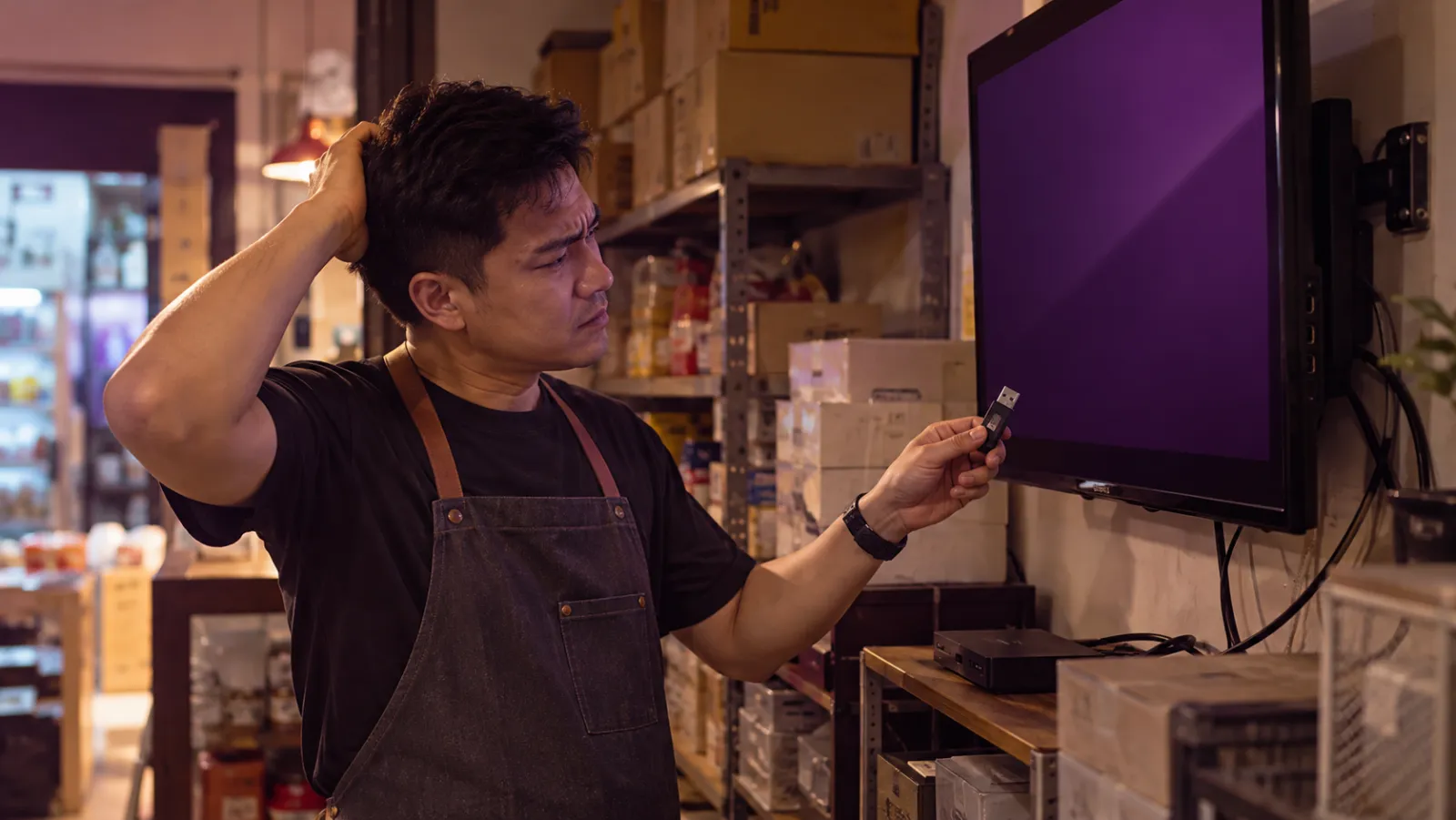
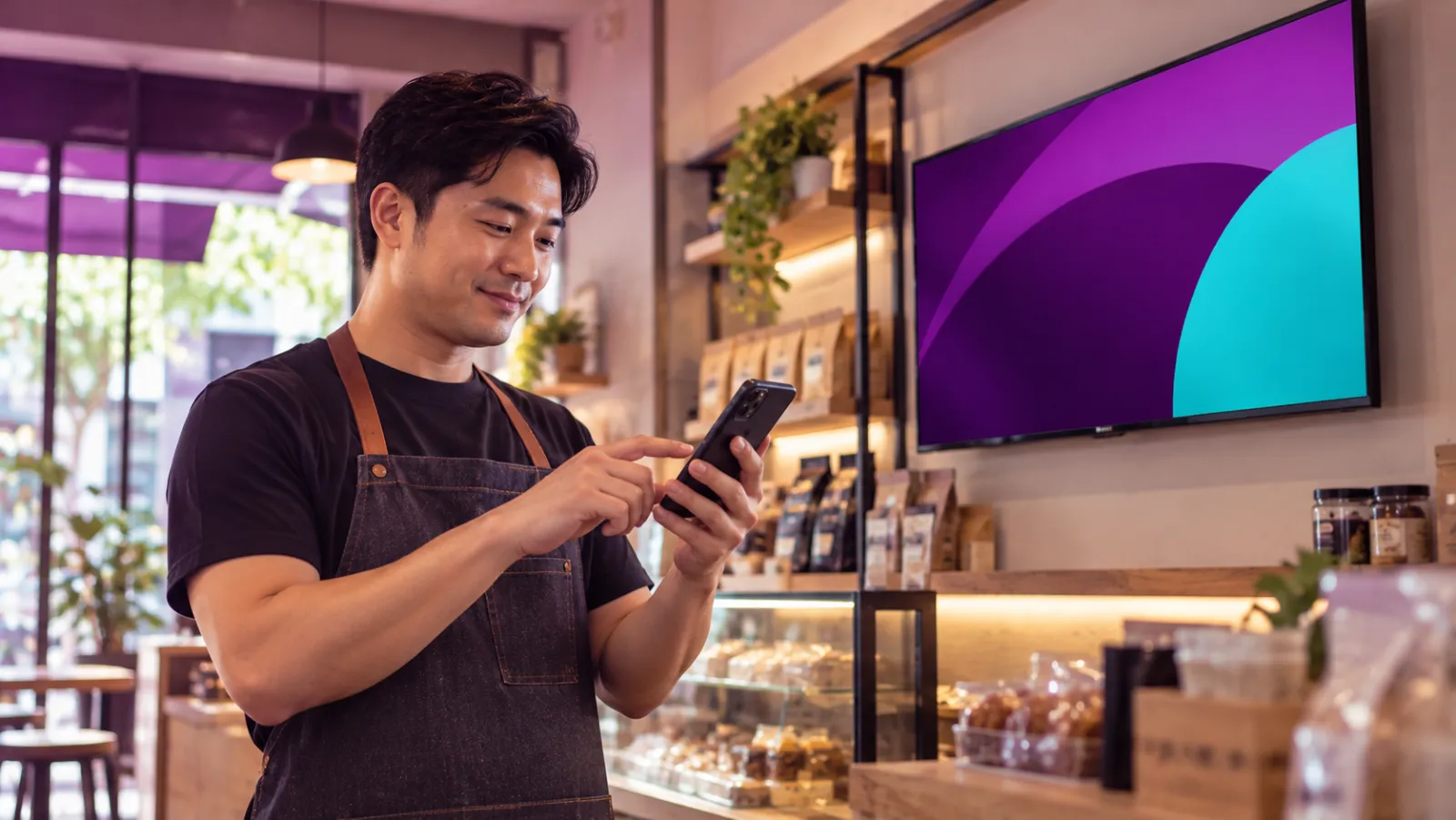
- The old way: Copy files onto a USB stick for every TV With OutDeck: Update every screen in every shop from one dashboard
- The old way: Drive to each shop to change what plays With OutDeck: Online screens update in seconds, no button to press
- The old way: Screens drift out of date, or sit on last week's promo With OutDeck: Screens keep playing offline, then catch up
- The old way: No easy way to tell which screens are working With OutDeck: See which screens are online in each shop, and restart the player app remotely
- The old way: Per-screen plans charge again for every extra TV With OutDeck: Priced by shops, not screens
Pricing
Priced by your shops, not your screens
Each paid plan covers a number of shops, with a set number of screens in each, at the same price whether you use one or all. Start free, then pay monthly or yearly.
Essential
or RM319 a year if you pay yearly (save 8%)
- Shops
- 1
- Screens per shop
- Up to 2
- Media storage
- 1 GB
Startup (Recommended)
or RM539 a year if you pay yearly (save 8%)
- Shops
- 1
- Screens per shop
- Up to 5
- Media storage
- 3 GB
Growth
or RM1,639 a year if you pay yearly (save 8%)
- Shops
- Up to 5
- Screens per shop
- Up to 5
- Media storage
- 10 GB
Business
or RM3,289 a year if you pay yearly (save 8%)
- Shops
- Up to 10
- Screens per shop
- Up to 5
- Media storage
- 20 GB
3 shops, 4 screens each
RM149 /month
More screens in a shop, same price
3 shops with 4 screens each is RM149 a month on our Growth plan, about RM12.42 per screen. With per-screen pricing, every extra TV adds to your bill.

Get started
Put your first screen to work today
Install the free OutDeck Player app on an Android TV, TV box, tablet, phone or Windows PC, pair it with your dashboard, then choose what it plays.
- Free demo
- 1 shop, 1 screen
- Card
- Not needed
- Works on
- Android TV, TV box, tablet, phone or Windows PC