Digital menu boards for cafés and coffee shops
OutDeck turns the TV behind your café counter into a menu board that changes with the day. Show breakfast sets in the morning, lunch combos from 11.30am and an afternoon drinks offer, each switching on its own. Design the slides in any tool you like, upload them, and change the menu from a laptop or phone browser.
Updated
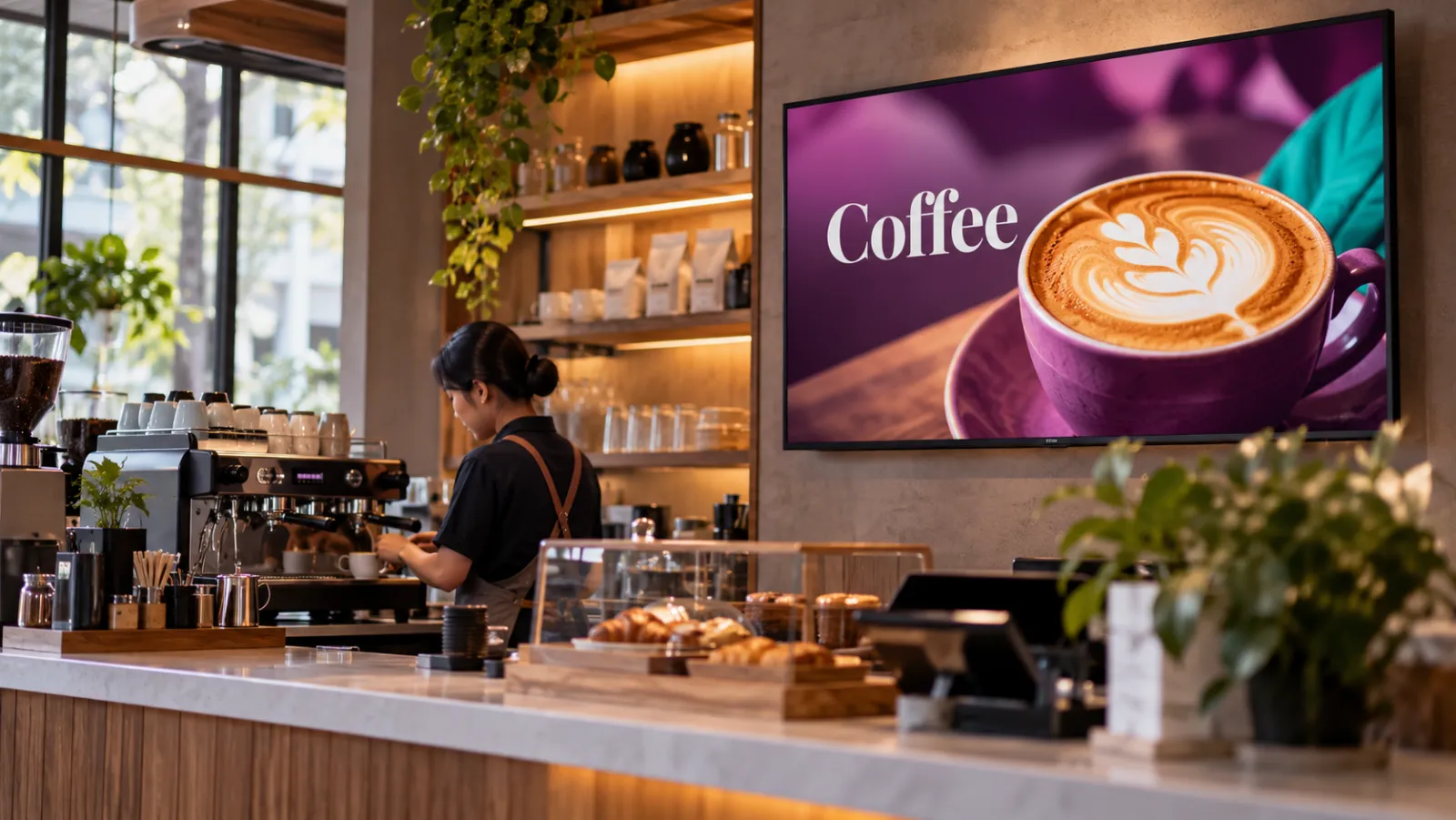
What a café can show on its screens
-
The full drinks menu
Your coffee, tea and blended drinks with prices, designed as an image and kept up to date from the dashboard.
-
Breakfast, then lunch
Morning sets until 11am, lunch combos from 11.30am, and the everyday menu in between.
-
Cakes and pastries
A portrait screen next to the display case showing today's cakes, new bakes and slice prices.
-
Drink of the month
A short video or photo loop of your seasonal drink, scheduled to run for the month it is on sale.
-
Loyalty or order QR code
An image of your own QR code that sends customers to your loyalty or ordering page.
-
Festive specials
Ramadan, Chinese New Year or Christmas drinks set to a date range, so they appear and disappear on time.
A café day on screen
An example for a café with one landscape menu board behind the counter and one portrait screen by the cake display.
-
When: Every day, all day
What plays: Full drinks menu (the everyday playlist)
Which screens: Counter menu board
-
When: Monday to Friday, 7am to 11am
What plays: Breakfast sets with coffee
Which screens: Counter menu board
-
When: Monday to Friday, 11.30am to 2.30pm
What plays: Lunch combos
Which screens: Counter menu board
-
When: Saturday and Sunday, 8am to 1pm
What plays: Weekend brunch menu
Which screens: Counter menu board
-
When: Every day, 3pm to 5pm
What plays: Afternoon drink and cake pairing
Which screens: Counter menu board
-
When: Every day, all day
What plays: Today's cakes and slice prices
Which screens: Cake display screen (portrait)
Each row is one schedule in scheduling. Screens that are online switch by themselves in your shop's time zone; add dated rows, like a festive menu, ahead of each season.
A typical café setup
1 shop, 2 screens
RM29 /month
on the Essential plan
One landscape TV behind the counter for the menu, and one portrait TV by the cake display. Each orientation gets its own playlist, and display hours match your opening times so the screens go dark after closing.
Work out your own setupShould a café menu board be portrait or landscape?
A landscape TV above or behind the counter fits a full drinks menu that people read while they queue. A portrait TV by the door or the cake display suits one featured item at a time.
You choose a screen's orientation when you pair it, and each playlist is made for one orientation, so the menu always fits the screen it plays on.
What size should my menu images be?
Design landscape slides at 1920 x 1080 pixels and portrait slides at 1080 x 1920. Save them as JPG, PNG or WebP, up to 100 MB each, and upload them to your media library.
Short videos of a drink being made work too, as MP4 or MOV files.
Common questions
How do I change a price on my café menu board?
Edit your menu design, export it again and swap the new image into the playlist. If the menu board is online, it fetches the new image within seconds by itself. The new price shows from the start of the next loop.
Can my weekend café menu be different from weekdays?
Yes. Pick the days of the week for each schedule, for example a brunch menu on Saturday and Sunday from 8am to 1pm, and keep the breakfast sets for Monday to Friday.
Can the menu screens go dark when the café closes?
Yes. Set display hours on each screen, for example 7am to 10pm. Outside those hours OutDeck blacks out the screen. It does not switch the TV off, so check your TV's own power settings if you want it fully off.
Keep reading
- Schedule what every screen plays, by day and time Give each screen an everyday playlist, then switch to other playlists by date, day and time, even past midnight.
- Playlists that loop all day on your shop TVs Line up images and videos, drag them into order, set how long each one shows, and let it loop all day.
- Use an Android TV or TV box as a shop screen Turn an Android TV, or a TV with an Android TV box, into a shop screen. Install the app and type its code into your dashboard.
- Use an Android tablet or phone as a shop screen Play your content on an Android tablet or phone. Sign in on the screen, pick a shop and a playlist, and it starts.
- Restaurant digital signage for set meals, supper and every outlet Set lunches, a supper menu past midnight and festive sets across all your outlets, with counter boards that change in step.
- Per-shop or per-screen pricing: which costs less?

Put your café menu on screen
Start a free demo, no card required.