Menu screens for food stalls and kiosks
OutDeck turns a tablet or a TV into the menu board at your food stall or kiosk. Breakfast, lunch and dinner menus switch by time of day on their own. When a dish sells out or a price changes, you update it from your phone and online screens show it within seconds. It shows your menu; it does not take orders.
Updated
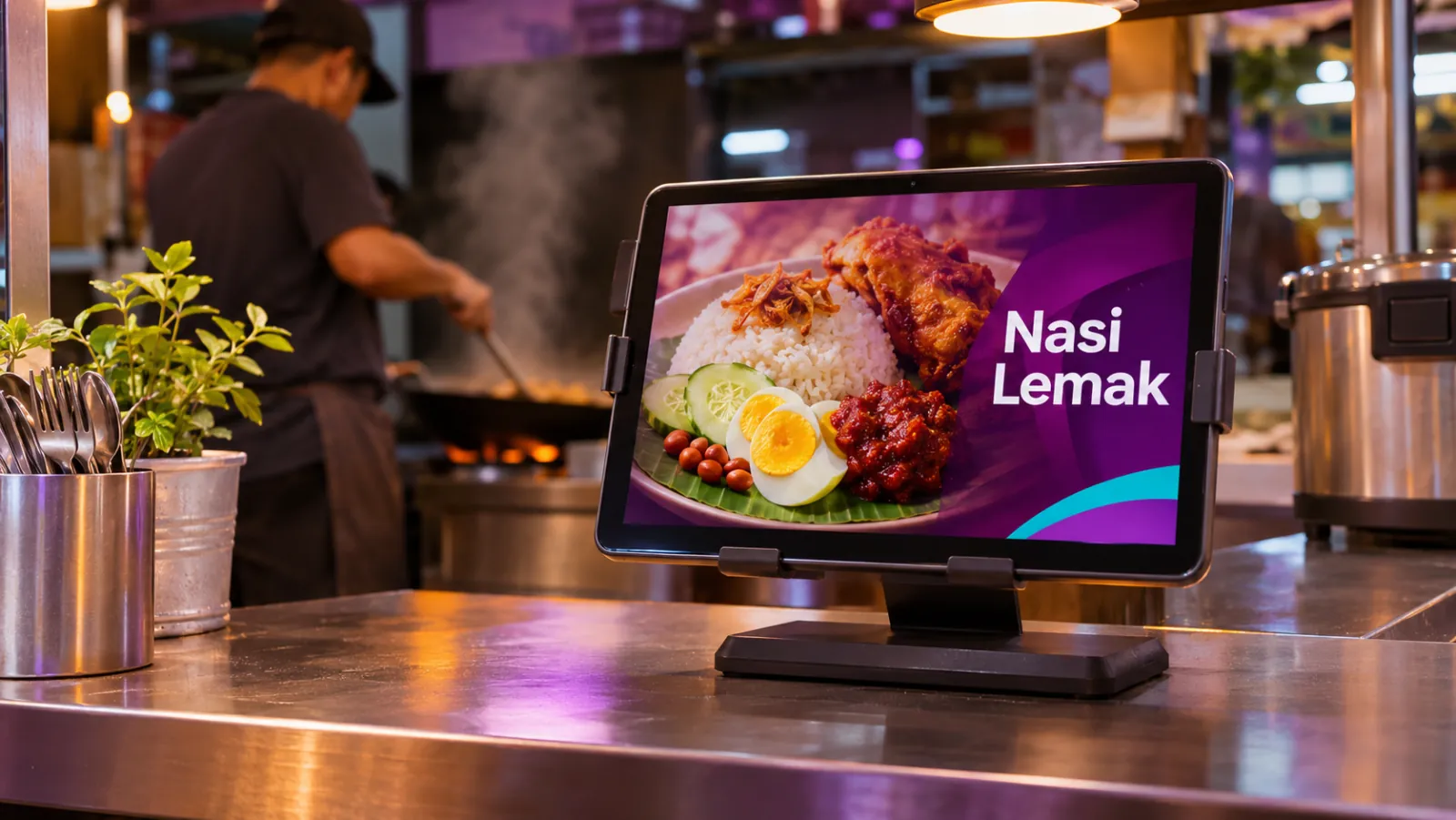
What a stall or kiosk can show
-
Your menu with prices
Each dish with a photo and a price, designed as images and kept up to date from the dashboard.
-
Menus by time of day
Breakfast until 11am, lunch sets until 3pm and dinner after, each switching on its own.
-
Sold out or a new price
Swap a slide from your phone and press Sync now, so online screens show the change within seconds.
-
A tablet on the counter
Where there is no wall for a TV, a tablet on a stand shows your menu at eye level.
-
Festive and seasonal items
Ramadan bazaar specials or Chinese New Year sets, set between two dates.
-
Your own QR code
An image of your own QR code that sends customers to your ordering or social page.
A stall day on screen
An example for a food court stall with one tablet on the counter.
-
When: Every day, all day
What plays: Full menu with prices (the everyday playlist)
Which screens: Counter tablet
-
When: Every day, 7am to 11am
What plays: Breakfast menu
Which screens: Counter tablet
-
When: Monday to Friday, 11.30am to 2.30pm
What plays: Lunch sets
Which screens: Counter tablet
-
When: Every day, 6pm to 10pm
What plays: Dinner specials
Which screens: Counter tablet
-
When: The dates of a festive season
What plays: Festive specials
Which screens: Counter tablet
Each row is one schedule in scheduling. Screens that are online switch by themselves in your shop's time zone; add dated rows, like a festive menu, ahead of each season.
A typical stall setup
1 shop, 1 screen
RM29 /month
on the Essential plan
One Android tablet on a stand on the counter as the menu board. A bigger stall or a kiosk with a wall can add a TV above the counter.
Work out your own setupCan a tablet be the menu board at a food stall?
Yes. Install the free OutDeck Player app on an Android tablet running Android 8.0 or newer, sign in on the screen and pick your menu playlist. Once paired it stays awake, plays edge to edge and keeps playing if the food court Wi-Fi drops, once it has downloaded your menu. Keep it on its charger.
How fast does a price change reach the stall screen?
Within seconds while the screen is online. Change the slide or the playlist from your phone, and press Sync now to send it straight away. A screen that is offline catches up when it reconnects.
Does OutDeck take orders or payments?
No. OutDeck shows your menu, promos and videos. It does not take orders or payments, and it does not connect to a POS. If you take orders online, show your own QR code as an image.
Common questions
Can a food stall screen switch from breakfast to lunch by itself?
Yes. Schedule a breakfast playlist and a lunch playlist by time of day. The screen switches at the times you set, by your stall's time, with nobody touching it.
Can a kiosk show its menu in portrait?
Yes. Build the menu playlist in portrait and set up the screen in portrait. A tablet keeps that orientation once paired.
Is a phone big enough to be a stall menu screen?
For one or two dishes and a price, yes, on a phone running Android 8.0 or newer. For a full menu, a tablet or a TV is easier for customers to read.
Keep reading
- Use an Android tablet or phone as a shop screen Play your content on an Android tablet or phone. Sign in on the screen, pick a shop and a playlist, and it starts.
- Schedule what every screen plays, by day and time Give each screen an everyday playlist, then switch to other playlists by date, day and time, even past midnight.
- Playlists that loop all day on your shop TVs Line up images and videos, drag them into order, set how long each one shows, and let it loop all day.
- Digital menu boards for cafés and coffee shops A counter menu board that moves from breakfast to lunch to afternoon drinks by itself, plus a portrait screen for the cake display.
- Restaurant digital signage for set meals, supper and every outlet Set lunches, a supper menu past midnight and festive sets across all your outlets, with counter boards that change in step.
- Simple per-shop pricing for digital signage

Put your menu on screen
Start a free demo, no card required.