Waiting room screens for clinics and medical centres
OutDeck is digital signage for clinic waiting rooms: it plays a calm loop of your opening hours, the services you offer, panel and payment details and health tips you supply. It has no link to queue or patient systems, so it shows only the images and videos you upload, and each screen can go dark outside clinic hours.
Updated
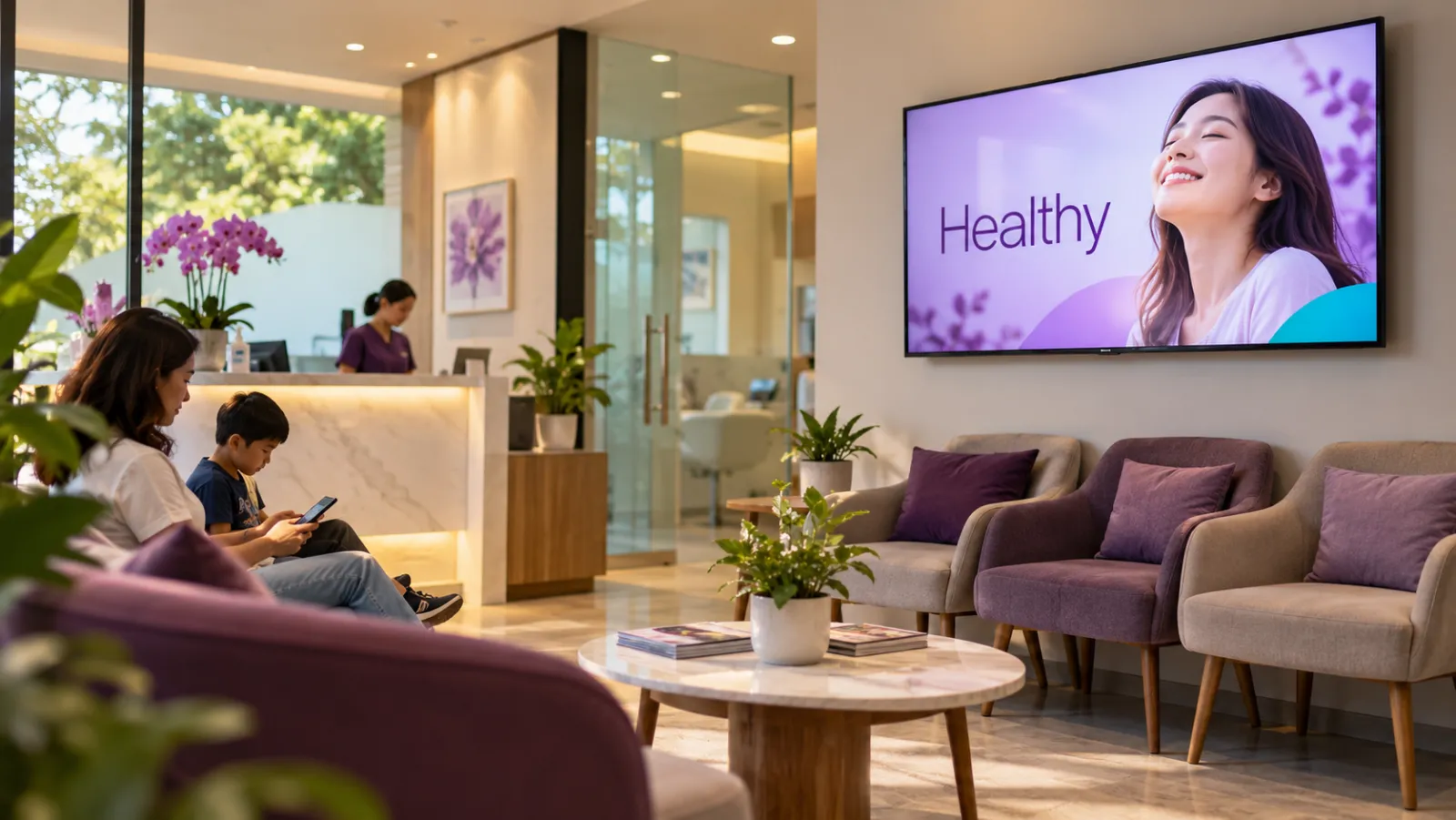
What a clinic can show on its screens
-
Opening hours and closures
Your weekly hours, plus a public holiday closure notice that appears a few days before and disappears by itself afterwards.
-
Services you offer
Consultations, health screenings, vaccinations or dental treatments, one service per slide so patients can read it while they wait.
-
Panels and payment
The company panels and insurance cards you accept, and how to pay, so patients know before they reach the counter.
-
Health tips you supply
Advice on dengue prevention, healthy eating or vaccination reminders, written or approved by your own doctors.
-
A portrait counter screen
A portrait screen at registration showing what to have ready, such as an IC and a panel card, and where to wait.
-
Health campaigns by date
A flu vaccination drive or a health screening month, scheduled between two dates so it starts and ends on time.
A clinic week on screen
An example for a clinic with one landscape screen in the waiting room and one portrait screen at the registration counter. Display hours black out both screens outside clinic hours.
-
When: Every day, all day
What plays: Services, panels and health tips (the everyday playlist)
Which screens: Waiting room screen
-
When: Every day, all day
What plays: What to have ready and how to pay
Which screens: Counter screen (portrait)
-
When: Monday to Saturday, 8am to 10am
What plays: Fasting blood test reminder and health screening packages
Which screens: Waiting room screen
-
When: A month you choose, all day
What plays: Flu vaccination drive
Which screens: Waiting room screen
-
When: Three days before a public holiday to the holiday itself
What plays: Holiday closure notice
Which screens: Counter screen (portrait)
Each row is one schedule in scheduling. Screens that are online switch by themselves in your shop's time zone; add dated rows, like a festive menu, ahead of each season.
A typical clinic setup
1 shop, 2 screens
RM29 /month
on the Essential plan
One landscape TV on the waiting room wall for the information loop, and one portrait TV at the registration counter. Display hours match the clinic, for example 8am to 10pm, Monday to Saturday, so both screens stay dark overnight and on Sunday.
Work out your own setupWhat should a clinic never put on a waiting room screen?
Anything about a patient. OutDeck plays only the images and videos you upload, and it does not connect to clinic, queue or patient systems. There are no live queue numbers, and nothing from your records reaches the screen.
Check each slide before it goes into a playlist: no names, IC numbers or photos of patients, and no screenshots of your clinic system.
How do display hours work for a clinic?
Set an on time, an off time and the days of the week on each screen, for example 8am to 10pm, Monday to Saturday. Outside those hours OutDeck blacks out the screen. The screen follows your clinic's time, set from OutDeck's clock each time it checks in, so it still goes dark on time if the internet is down or the TV's own clock is wrong.
It does not switch the TV off, so use the TV's own power settings if you want it fully off at night. For a public holiday, schedule a closure notice by date so patients see it in the days before.
Do clinic staff need to look after the waiting room TV?
Very little, which matters when the front desk is busy with patients. Once you allow it to start on its own during setup, the player starts by itself after a power cut, stays awake with no screensaver, and keeps playing what it has saved if the internet drops, once it has downloaded its content. You can also set a nightly restart of the player app at a time you choose.
From the dashboard you can see when each screen last checked in, press Identify screen to find out which TV is which, or restart the player app without walking to the TV.
Common questions
Can a clinic waiting room screen show queue numbers?
No. OutDeck does not connect to queue or clinic systems. It plays the images and videos you upload, such as opening hours, services and health tips.
Can a clinic show a public holiday closure notice in advance?
Yes. Make a closure notice slide and schedule it with a start date, an end date and a higher priority than your everyday playlist. Screens that are online show it from the start date and drop it by themselves after the end date.
Who writes the health tips on a clinic screen?
You do. OutDeck does not supply medical content, templates or feeds. Your team writes or approves each tip, saves it as an image or video, and adds it to a playlist.
Keep reading
- Manage every shop screen from one dashboard Pair a screen by typing its code, see which screens are online, and sync, identify or restart the player app without visiting the shop.
- Use an Android tablet or phone as a shop screen Play your content on an Android tablet or phone. Sign in on the screen, pick a shop and a playlist, and it starts.
- Use a Windows PC as a shop screen Play your content on a Windows 10 or 11 PC. Download the player, sign in on the screen and pick a playlist.
- Schedule what every screen plays, by day and time Give each screen an everyday playlist, then switch to other playlists by date, day and time, even past midnight.
- Salon screens for treatment prices, your own work and product promos A treatment price list, before and after photos of your own work and product promos, paced slowly for clients in the chair.
- Frequently asked questions about OutDeck

Put your waiting room information on screen
Start a free demo, no card required.