Digital standee ads for shops and malls
A digital standee replaces printed standees and roll-up banners with a tall screen you change from your phone. OutDeck plays your portrait promos and videos on it, on the schedule you set, so you never swap a USB stick again. It runs on a standee with Android 8.0 or newer, or on an Android TV box plugged into its HDMI input.
Updated
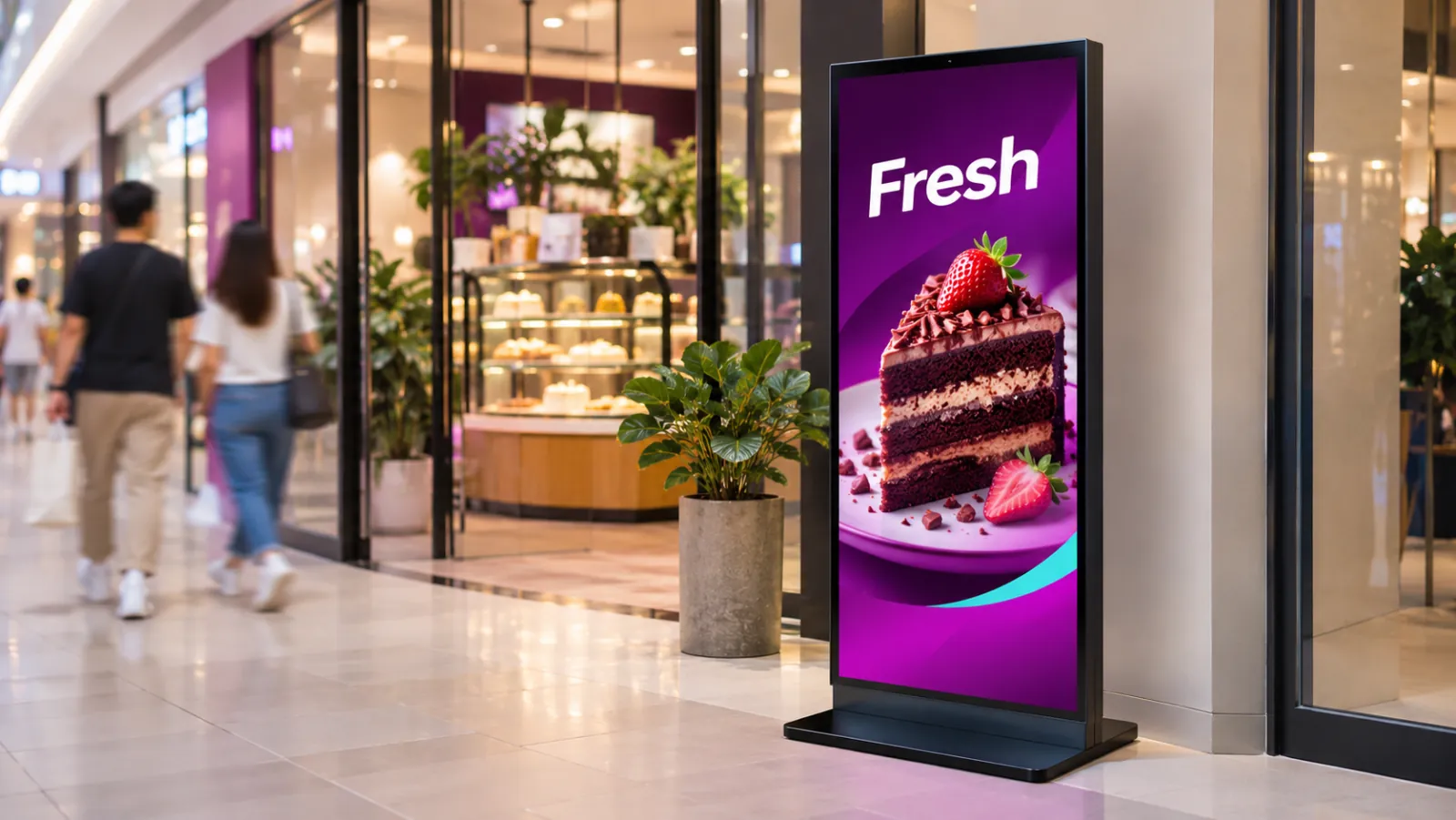
What a digital standee can show
-
Your entrance promo
One product and one price at a time, in portrait, easy to read from the walkway.
-
Portrait videos
Short product or brand videos in MP4 or MOV, playing between your promo slides.
-
Sales by date
A weekend deal or a mid-year sale with its own start and end dates, so it goes live and comes down on time.
-
Day and evening offers
A lunch offer until 3pm and a different promo for the evening crowd, switching on its own.
-
Event and roadshow booths
Let the standee download its playlist before the event, and it keeps playing if the venue Wi-Fi drops.
-
Brand videos from suppliers
Videos supplied by the brands you stock, uploaded once and played on every standee you choose.
A standee day at the mall
An example for a shop with one portrait standee at its mall entrance.
-
When: Every day, all day
What plays: Best sellers and new arrivals (the everyday playlist)
Which screens: Entrance standee (portrait)
-
When: Every day, 11am to 3pm
What plays: Lunch-hour offer
Which screens: Entrance standee (portrait)
-
When: Friday to Sunday, 5pm to 10pm
What plays: Weekend evening promo
Which screens: Entrance standee (portrait)
-
When: The dates of a sale
What plays: Sale video and prices
Which screens: Entrance standee (portrait)
Each row is one schedule in scheduling. Screens that are online switch by themselves in your shop's time zone; add dated rows, like a festive menu, ahead of each season.
A typical standee setup
1 shop, 1 screen
RM29 /month
on the Essential plan
One portrait standee you already have or buy, at the shop entrance and facing the walkway. It runs OutDeck Player itself on Android, or through an Android TV box plugged into its HDMI input.
Work out your own setupWhich digital standees can run OutDeck?
A standee that runs Android 8.0 or newer can run the free OutDeck Player app. If it has Google Play, install the app from there.
No Google Play on your standee, or it will not install the app? Plug an Android TV box into the standee's HDMI input and run OutDeck Player on the box, or email hello@outdeck.app and we will send the app file.
A standee with a 64-bit Windows 10 or 11 PC inside can run OutDeck Player for Windows instead.
Standees vary, so try OutDeck on yours during the free demo before you rely on it.
How does a standee stay up to date without a USB stick?
Upload a new promo in the dashboard from your phone or computer, then add it to the standee's playlist or schedule it by date. Online screens get the change within seconds, and the standee keeps playing what it has saved if the internet drops.
Does a standee have to play in portrait?
Most standees are tall, so build portrait playlists for them and set up the screen in portrait. A standee mounted on its side can play landscape playlists instead.
Common questions
Can OutDeck run on the digital standee I already have?
Yes, if it runs Android 8.0 or newer, or if it has an HDMI input for an Android TV box. Standees vary, so try it on yours during the free demo before you rely on it.
My standee has no Google Play. Can I still use OutDeck?
Yes. Plug an Android TV box into its HDMI input and run OutDeck Player on the box, or email hello@outdeck.app and we will send the app file.
Can one account run standees in several malls?
Yes. Each location is a shop with its own screens, schedules and time zone, and a promo can be shared with every shop or kept to one.
Keep reading
- Use an Android TV or TV box as a shop screen Turn an Android TV, or a TV with an Android TV box, into a shop screen. Install the app and type its code into your dashboard.
- Playlists that loop all day on your shop TVs Line up images and videos, drag them into order, set how long each one shows, and let it loop all day.
- Schedule what every screen plays, by day and time Give each screen an everyday playlist, then switch to other playlists by date, day and time, even past midnight.
- Screens that keep playing when the internet drops Each screen saves its playlist and media, so once downloaded it keeps playing when the internet drops, then catches up when it reconnects.
- Retail digital signage for window promos, sales and new arrivals Window promos, sales that start and stop by date, and portrait screens by the fitting rooms, rolled out to every branch.
- Get OutDeck Player for your shop screens

Put your standee to work
Start a free demo, no card required.