Digital signage ideas for every kind of shop
OutDeck plays the images and videos you make on your shop screens, on the schedule you set. The same dashboard runs a café menu board, a food stall menu on a tablet, a retail window, a pharmacy promo, a clinic waiting room, a tuition timetable, a laundry how-to screen or a digital standee at the mall. Pick your type of business to see what to show, an example schedule and a typical setup.
Updated
Pick your type of business
-
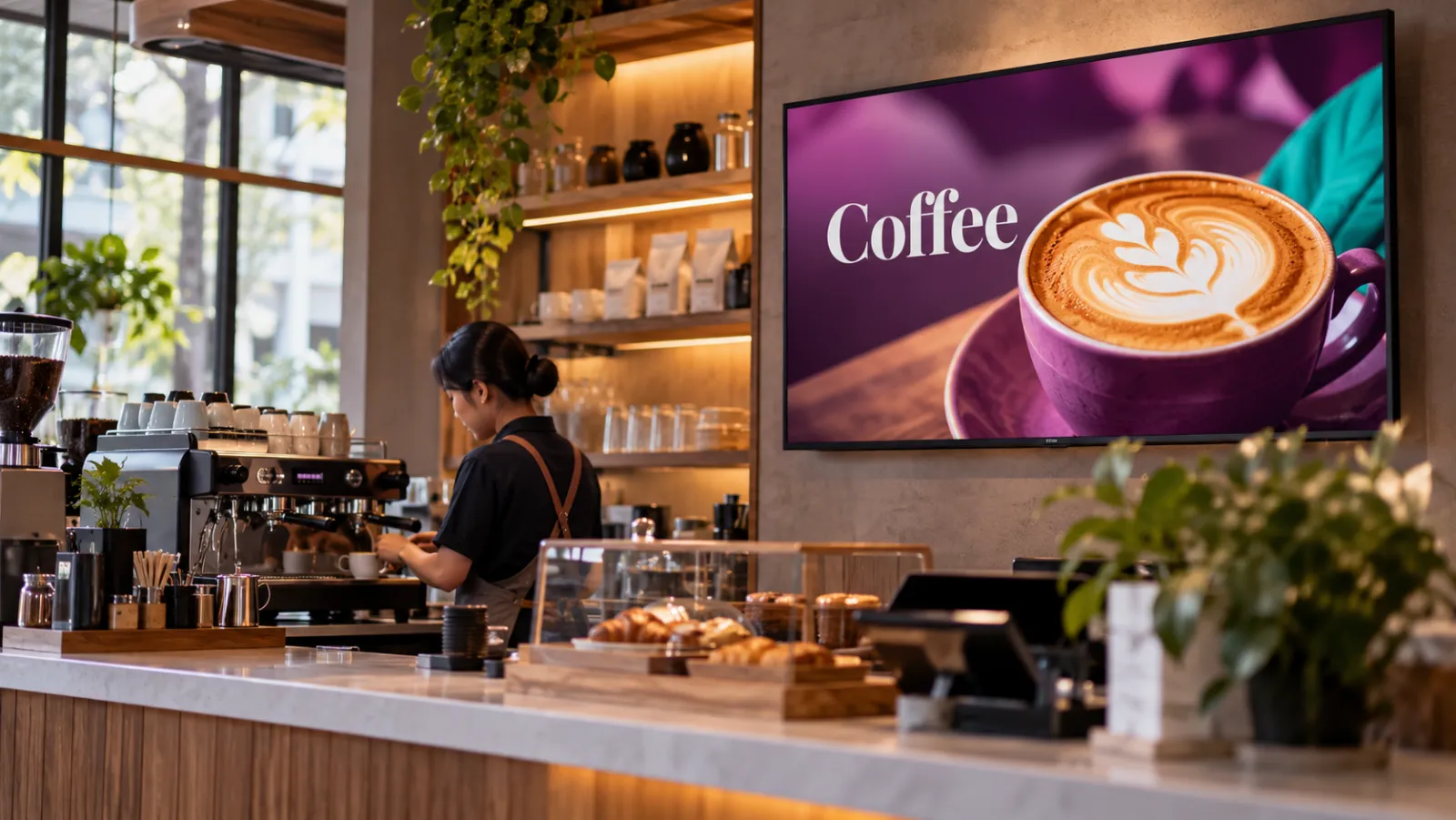
Cafés
A counter menu board that moves from breakfast to lunch to afternoon drinks by itself, plus a portrait screen for the cake display.
-
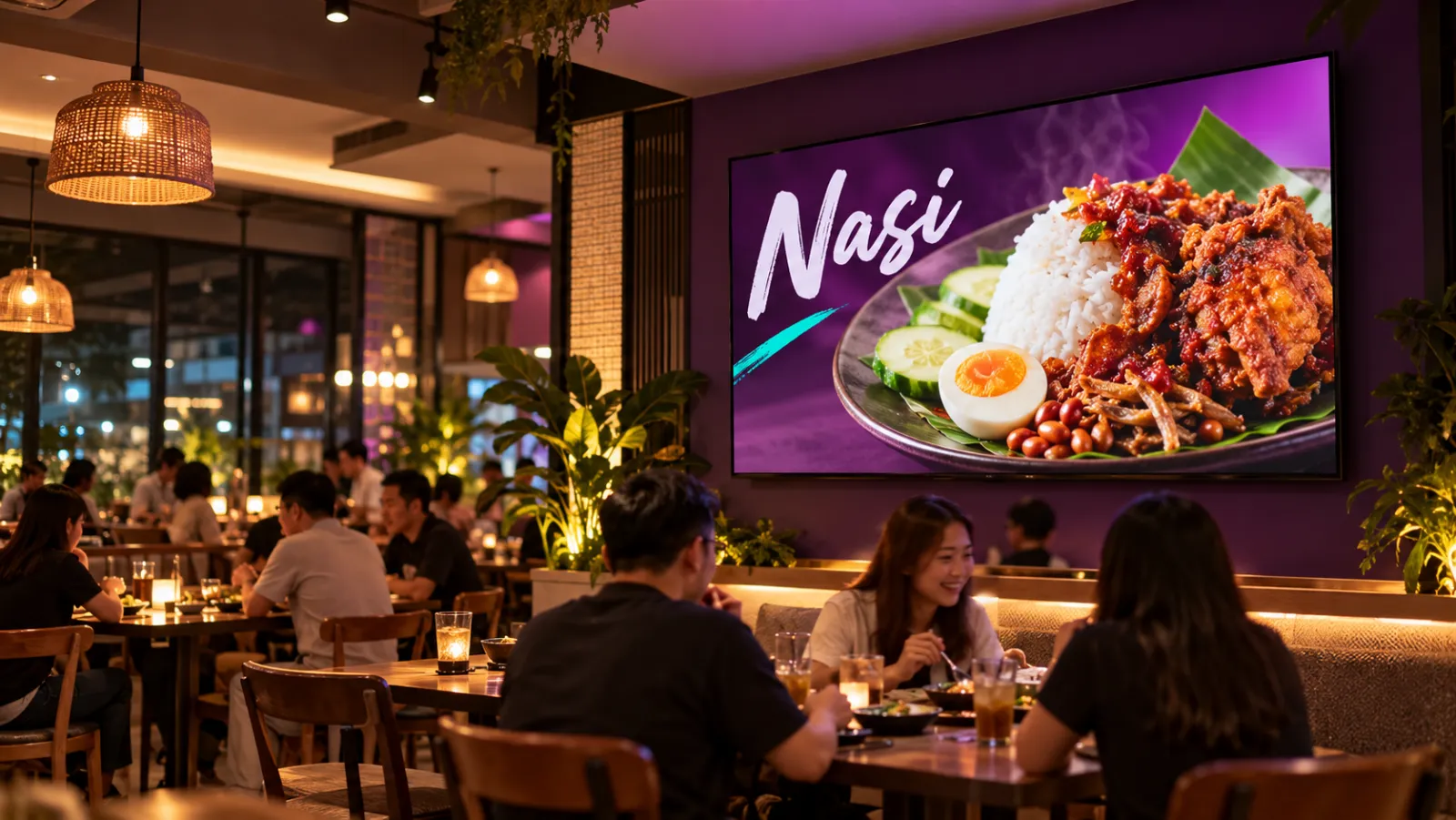
Restaurants
Set lunches, a supper menu past midnight and festive sets across all your outlets, with counter boards that change in step.
-
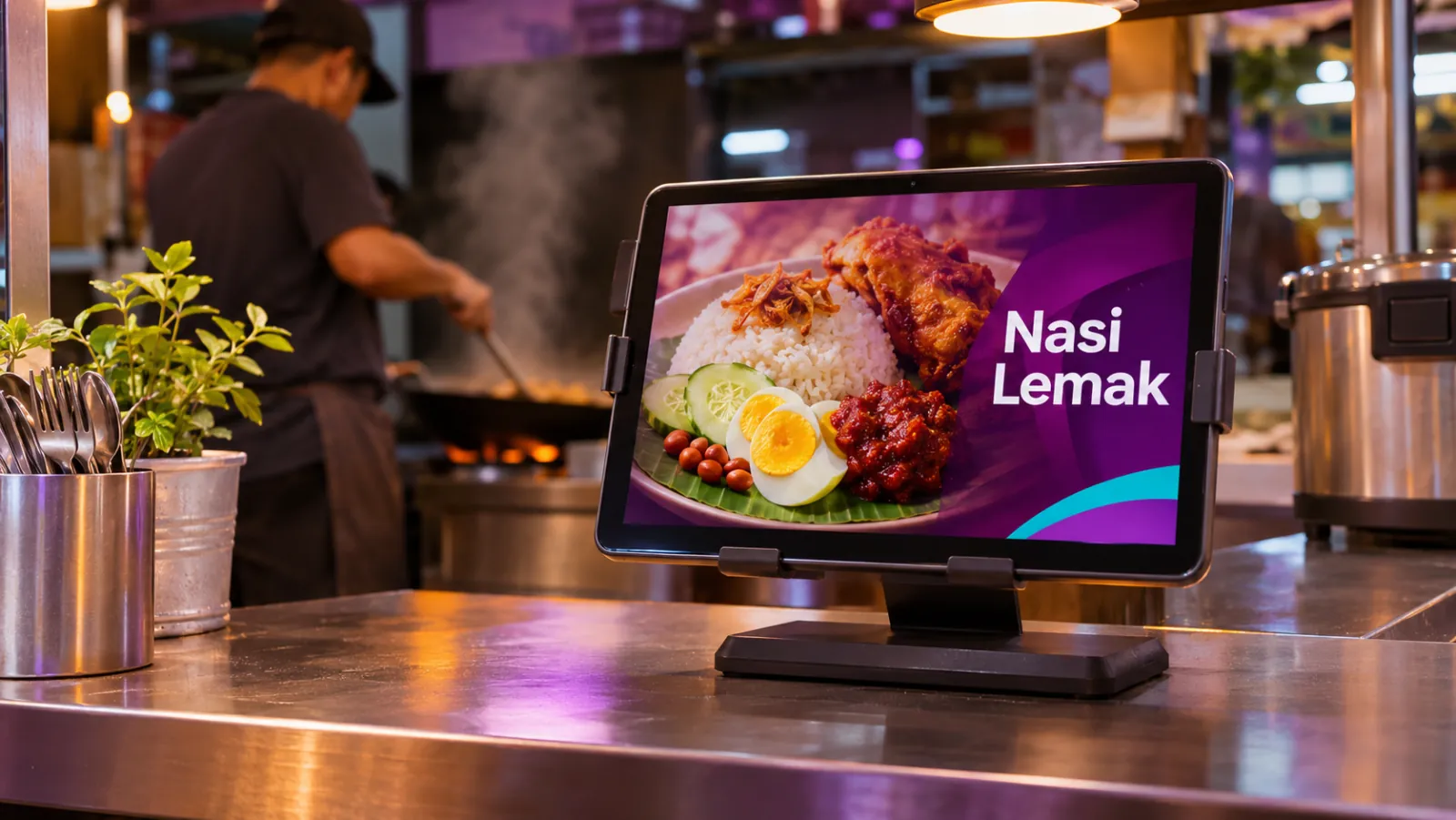
Food stalls and kiosks
A tablet or TV as your stall's menu board, switching menus by time of day and updating prices from your phone.
-

Retail
Window promos, sales that start and stop by date, and portrait screens by the fitting rooms, rolled out to every branch.
-
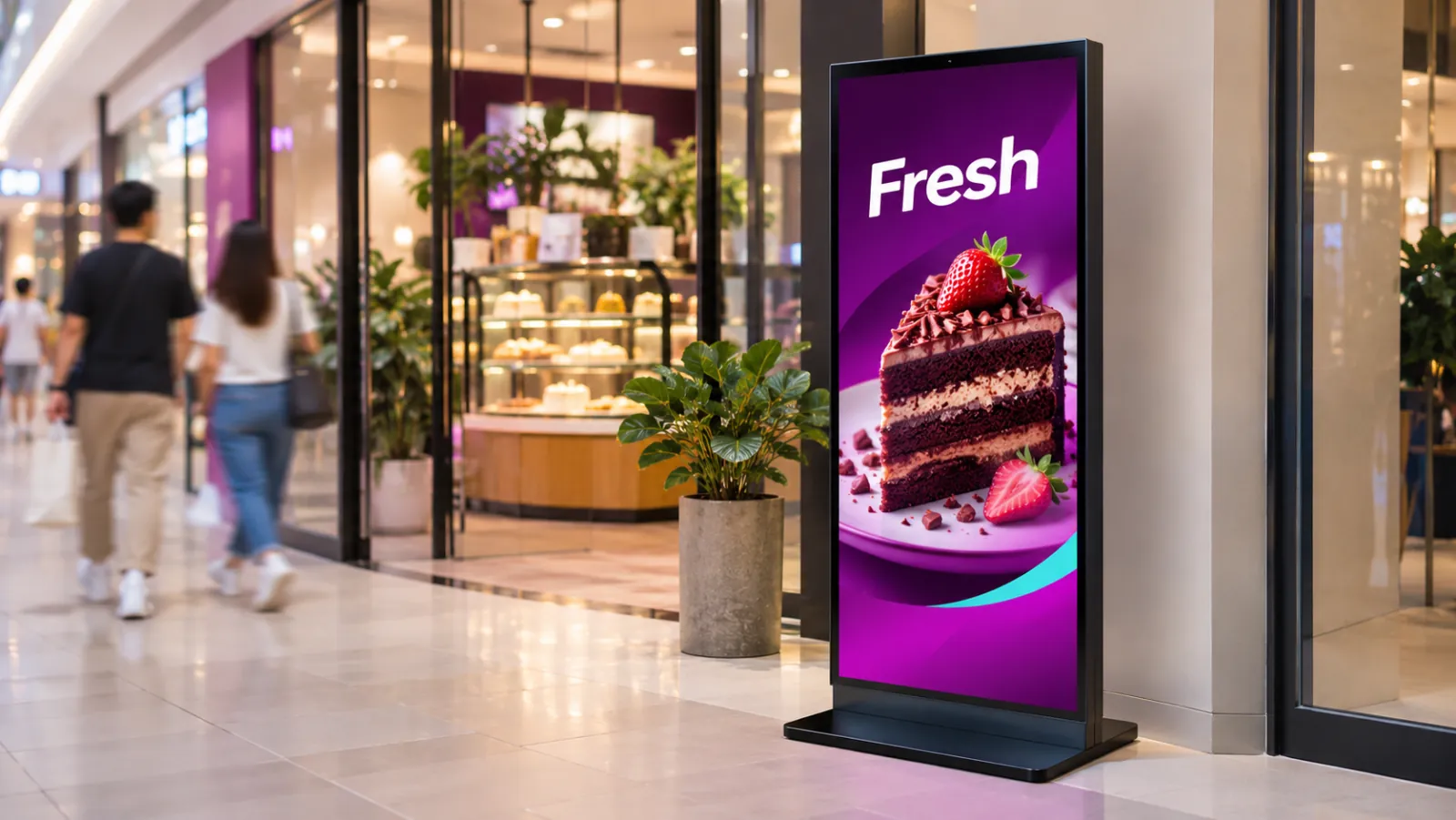
Digital standees
Swap printed standees and roll-up banners for a digital standee that plays portrait promos on a schedule, changed from your phone.
-

Pharmacies
A portrait window screen and a counter tablet for offers, health campaigns and opening hours, scheduled by date.
-
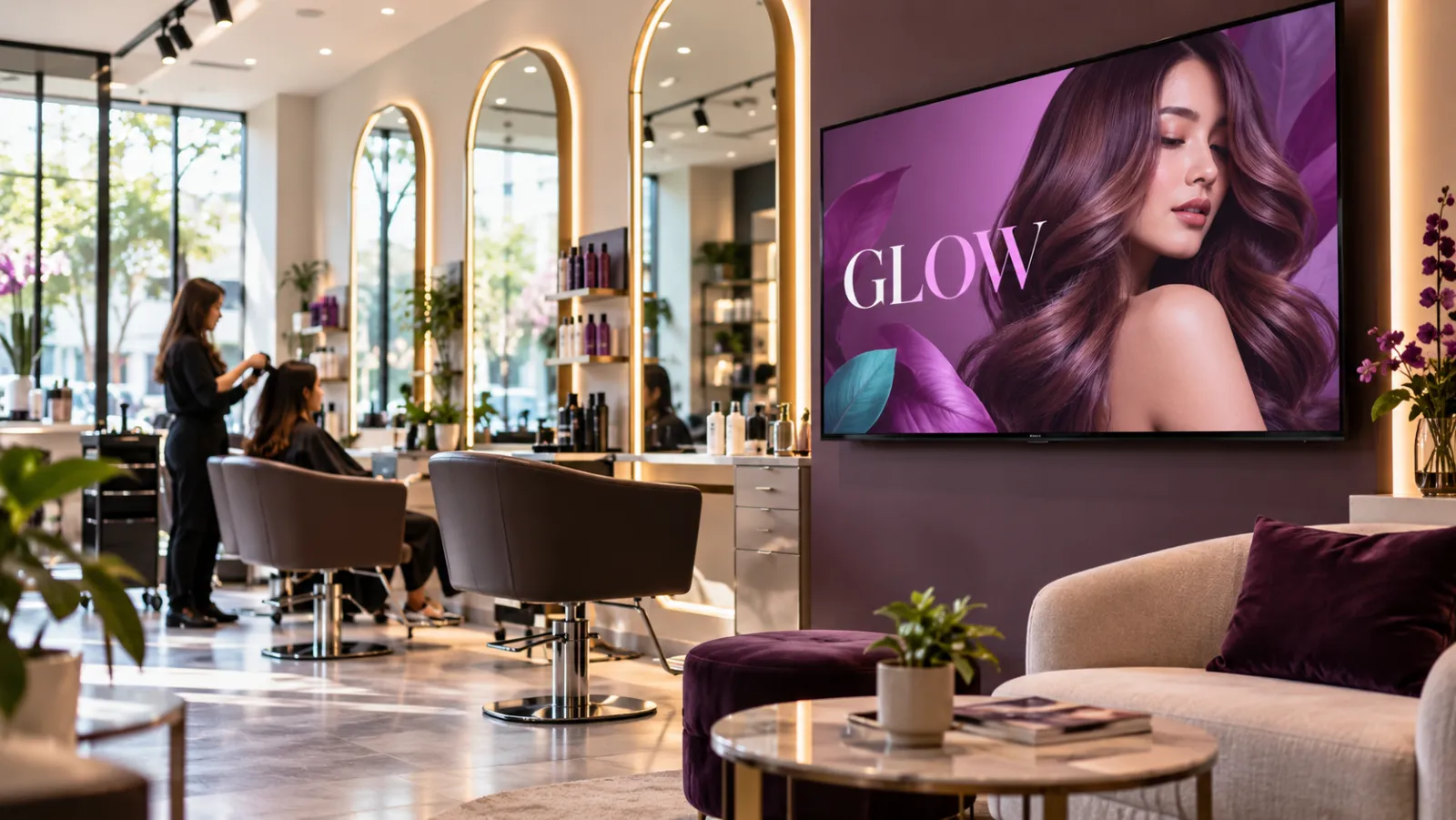
Salons
A treatment price list, before and after photos of your own work and product promos, paced slowly for clients in the chair.
-
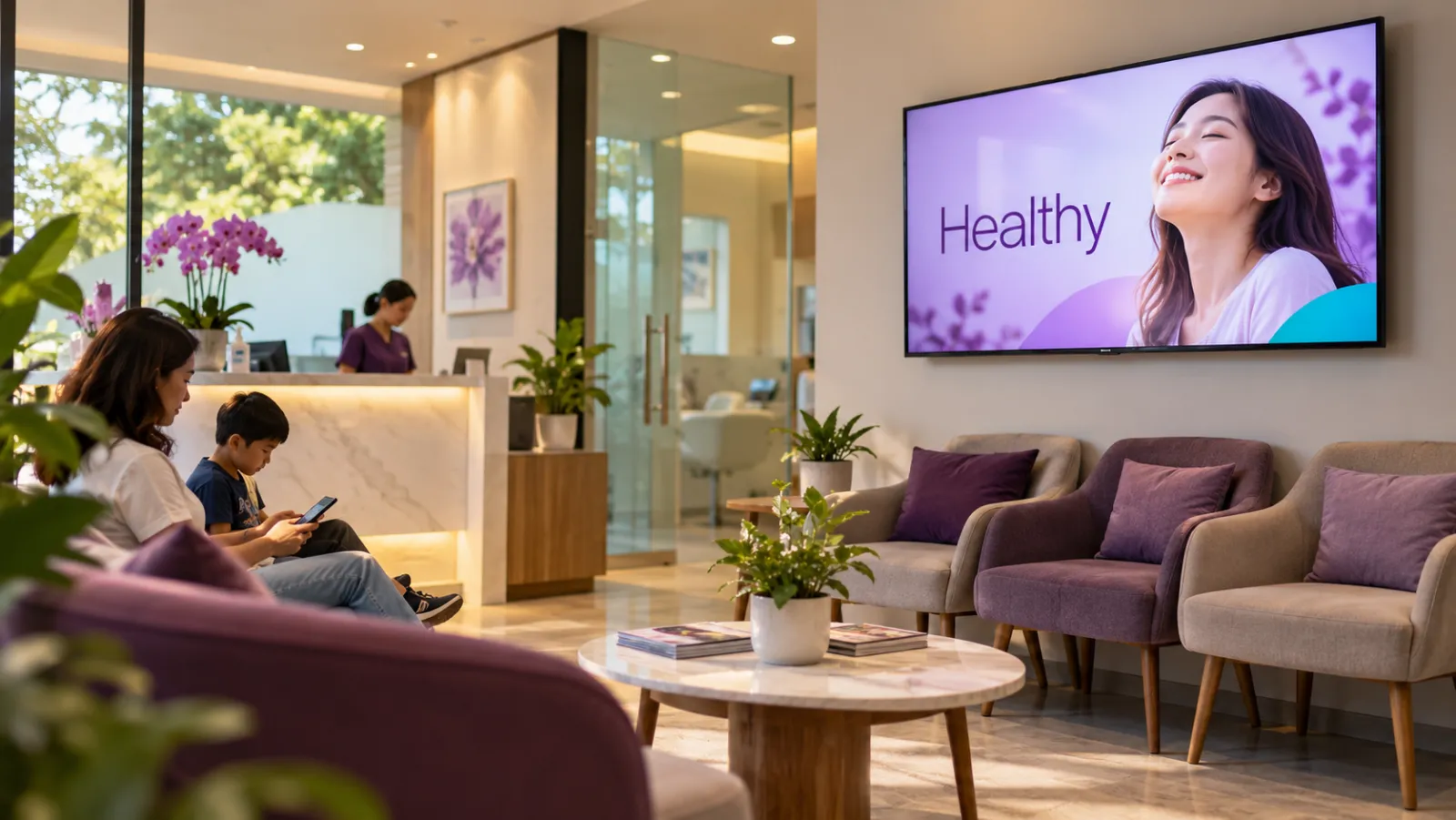
Clinics
A calm waiting room loop of opening hours, services and health tips you supply, plus a portrait screen at the registration counter.
-
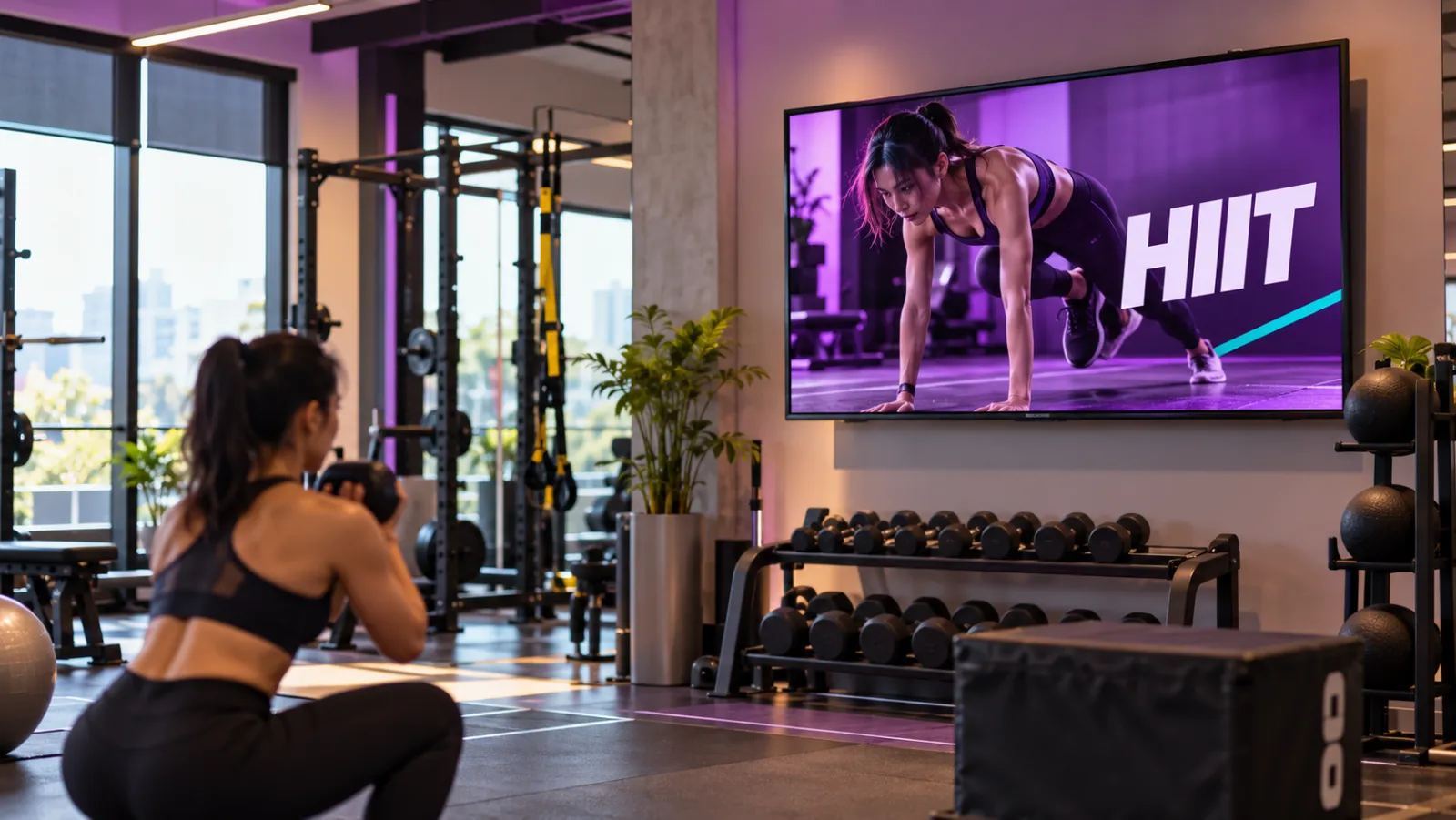
Gyms
This week's class timetable, membership promos and trainer profiles, with different content for the morning and evening crowds.
-
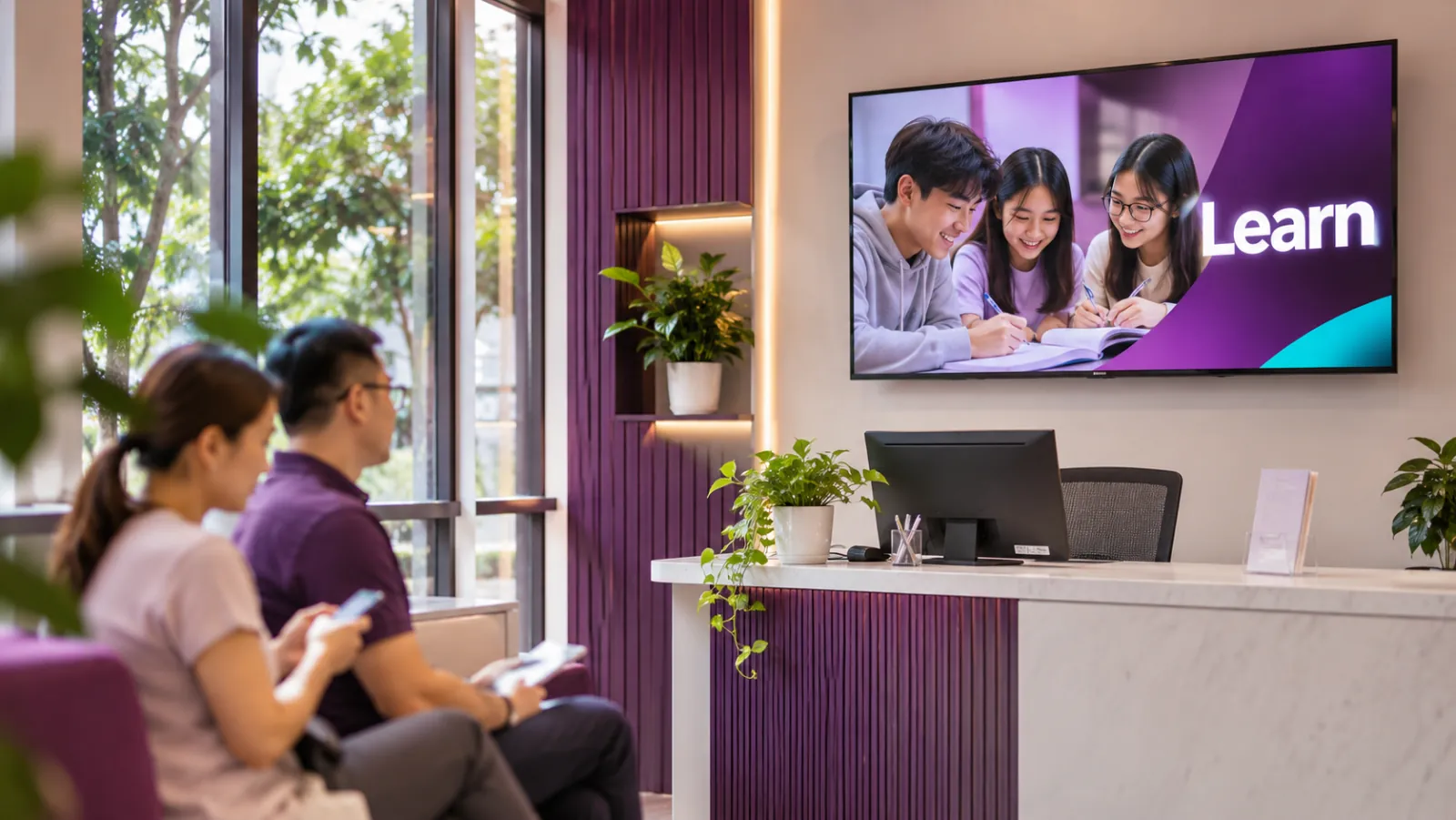
Tuition centres
This week's timetable, intake promos and notices on a lobby screen, changing by date so next week's takes over by itself.
-
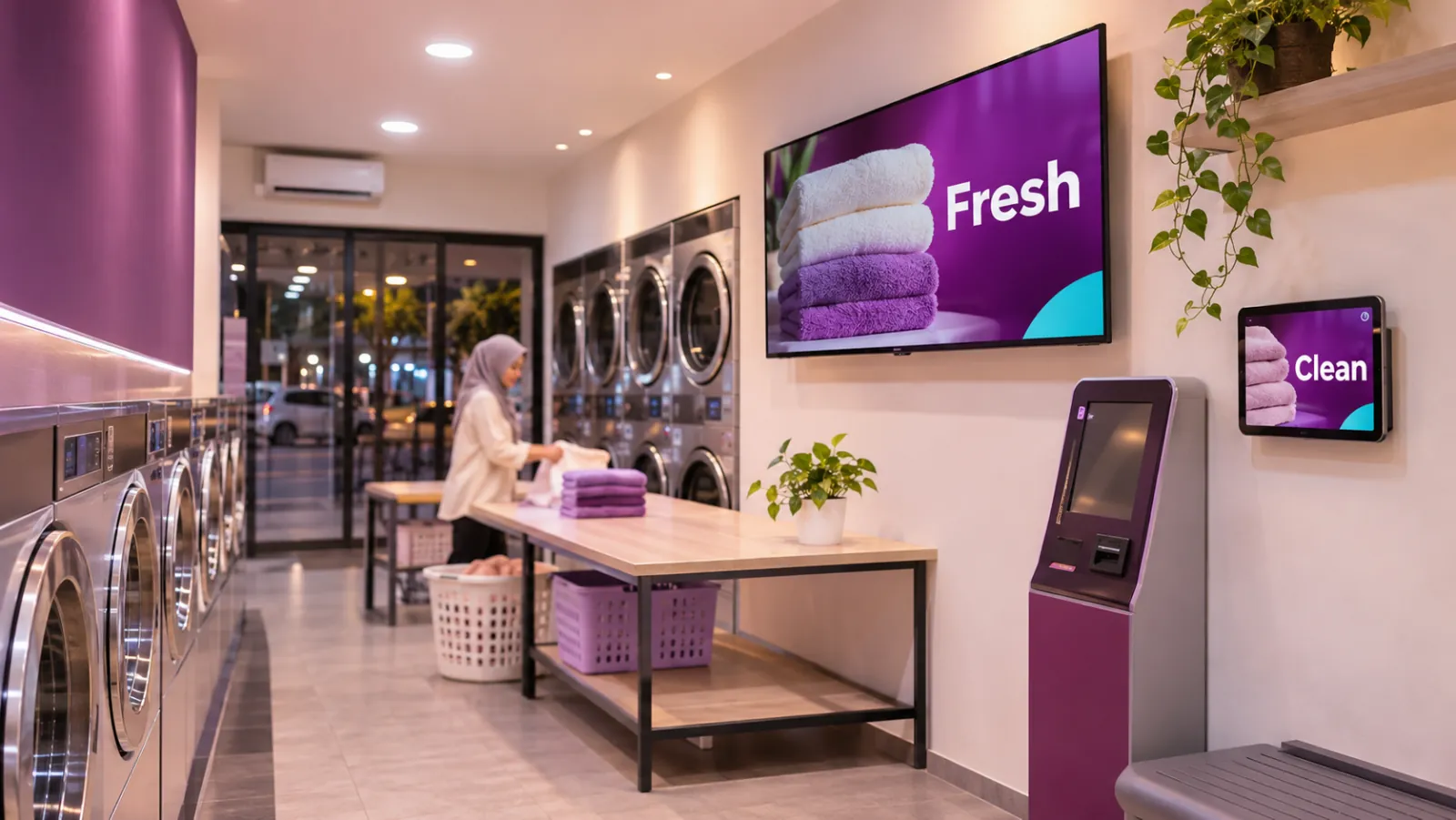
Self-service laundries
How-to slides, prices and promos for a shop with no staff, playing offline and changed from your phone.
Common questions
My type of business is not listed. Can I still use OutDeck?
Yes. OutDeck plays images and videos on a schedule, so it suits any business with a screen that customers can see, such as a car workshop, a bakery or a phone shop. The guides above show the most common setups.
Who makes the content that plays on my shop screens?
You do, in any design tool you like, or with photos and videos from your phone. Export them as JPG, PNG, WebP, MP4 or MOV files up to 100 MB each and upload them. OutDeck has no built-in templates, so the design is always yours.
Do cafés, clinics and gyms pay different prices for OutDeck?
No. Every type of business uses the same plans, priced by how many shops you run, not by how many screens. See Pricing for the current plans.

Start with one screen
Try OutDeck free in your shop, no card required.