Restaurant digital signage for set meals, supper and every outlet
OutDeck is digital signage for restaurants with one or many outlets: it runs every menu screen from one dashboard. Set lunches, dinner mains and a supper menu past midnight switch on their own, festive sets appear on the dates you choose, and the takeaway counter can show something different from the dining room. Plans are priced by how many outlets you run, not by how many screens.
Updated
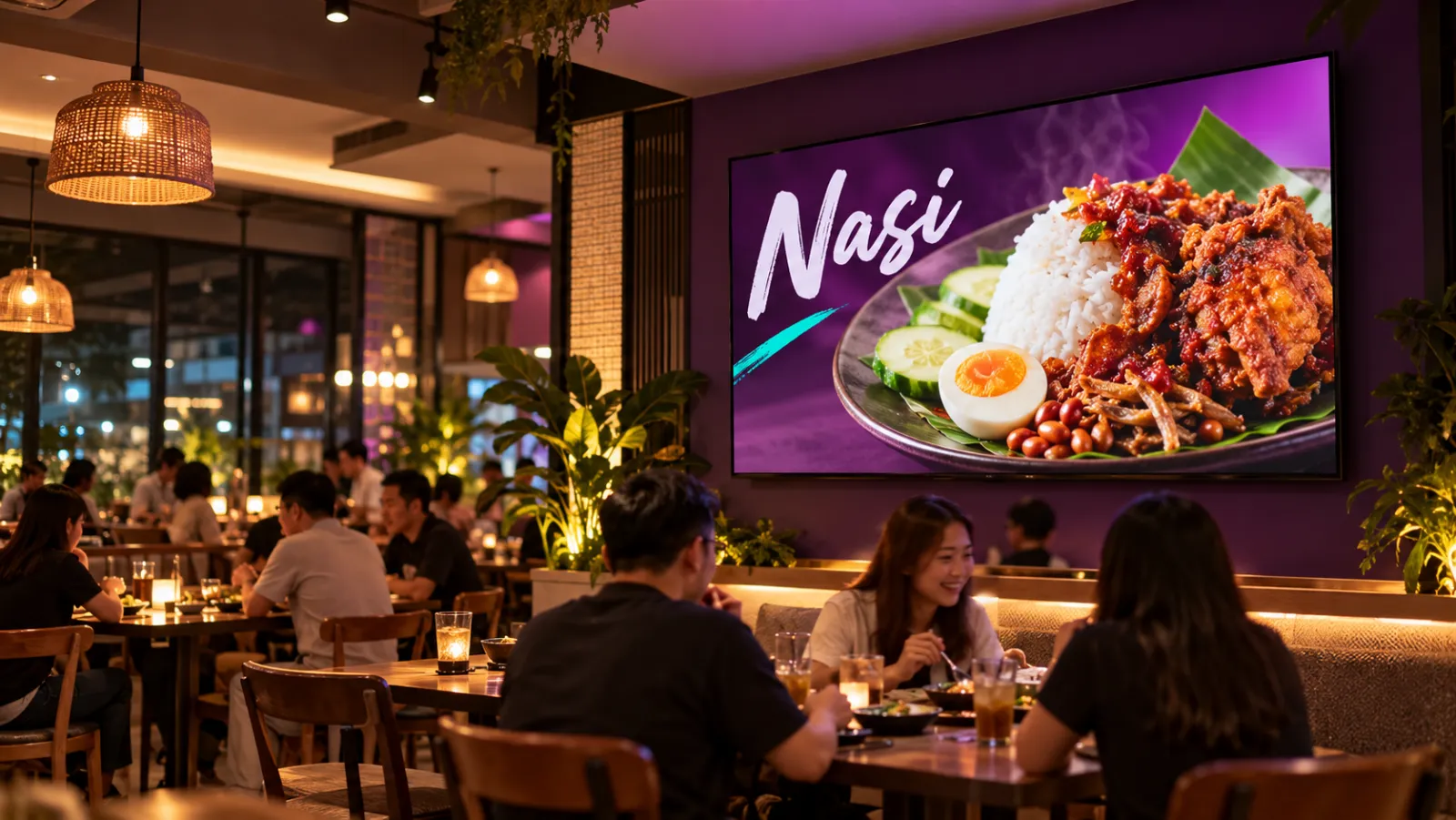
What a restaurant can show on its screens
-
Set meals with prices
Set A, B and C with a photo and a price each, designed as images and grouped into one playlist for the counter boards.
-
A supper menu after 10pm
Late-night supper dishes from 10pm to 1am, Thursday to Saturday, running as one block across midnight.
-
Festive sets by date
Buka puasa sets during Ramadan, Hari Raya catering packages or Chinese New Year reunion sets, each starting and stopping on the dates you pick.
-
A row of boards in step
Menu boards above the counter that change slides together, in step, instead of drifting apart.
-
Takeaway counter screen
A screen at the takeaway or delivery pickup counter with the full menu and prices, while the dining room plays something else.
-
Dining room videos
Short videos of your signature dishes, desserts and drinks playing in the dining room, where guests have time to order one more.
A restaurant week on screen
An example for one outlet with three landscape menu boards above the counter in a "Counter" group and one dining room screen. Each outlet keeps its own schedules in its own time zone.
-
When: Every day, all day
What plays: Full menu with prices (the everyday playlist)
Which screens: Counter group
-
When: Every day, all day
What plays: Signature dish and dessert videos
Which screens: Dining room screen
-
When: Monday to Friday, 11am to 3pm
What plays: Set lunch A, B and C
Which screens: Counter group
-
When: Thursday to Saturday, 10pm to 1am
What plays: Supper menu
Which screens: Counter group
-
When: Every day of Ramadan, 5pm to 8pm
What plays: Buka puasa sets
Which screens: Whole outlet
-
When: Chinese New Year eve to Chap Goh Mei, all day
What plays: Reunion set menus
Which screens: Whole outlet
Each row is one schedule in scheduling. Screens that are online switch by themselves in your shop's time zone; add dated rows, like a festive menu, ahead of each season.
A typical restaurant chain setup
3 shops, 4 screens each
RM149 /month
on the Growth plan
Three outlets, each with four landscape screens: three menu boards above the counter in a "Counter" group and one screen in the dining room. A shared playlist holds the menu that is the same everywhere, a Shop Manager looks after each outlet, and the Business Admin (owner) sees all three.
Work out your own setupHow do I keep a row of menu boards changing together?
Put the counter boards in a screen group and give them one playlist. Then turn on Synchronized for that playlist in the playlist builder. Every screen playing it shows the same item, in step, so the row changes together instead of drifting apart over a long service.
Screens line up once they have checked in online. Boards of different TV models can drift a little more than matching ones. If a board ever looks out of line, press Restart playlist and every screen playing it starts again from the first item.
Can every outlet share one menu but start dinner at its own time?
Yes. Make the menu a shared playlist, then add a schedule for it in each outlet. Each schedule belongs to one outlet, because each outlet has its own screens and time zone, so a mall outlet can start its dinner menu at 5pm while a street outlet starts at 6pm, from the same shared playlist.
When you swap a new dish photo or price slide into the shared playlist, every outlet gets it. Online boards fetch the change within seconds by themselves and switch at the end of the current loop. A board that is offline picks it up when it reconnects.
Who looks after each outlet's screens?
Add a Shop Manager for each outlet and send them an invite. They can update playlists, schedules and screens for the outlets you give them, and can invite Shop Staff of their own. Billing stays with the Business Admin (owner), who sees every outlet.
Moving a whole chain over? Our team can import your shops and staff from a spreadsheet for you.
How do festive set menus start and stop on time?
Give the festive playlist a schedule with a start date, an end date and a higher priority than your everyday menu and your lunch and supper schedules. Add a daily time window if the set only runs at certain hours, such as buka puasa sets from 5pm to 8pm every day of Ramadan.
After the end date the festive menu drops off by itself and the everyday menu comes back. Screens that are online switch on time; a screen that is offline keeps playing what it has and catches up when it reconnects. You can prepare Hari Raya and Chinese New Year menus weeks ahead, so nothing needs doing on a busy festive morning.
Common questions
Can a restaurant's takeaway counter show a different menu from the dining room?
Yes. Put the counter screens in one screen group and the dining room screen in another, then give each group its own schedules. The counter can show the full menu with prices while the dining room plays dessert and drink videos.
Can each restaurant outlet show its own prices?
Yes. Use the shared menu playlist for outlets with the same prices, and give an outlet with different prices, such as a mall or airport outlet, its own menu playlist kept for that outlet only. Each outlet's schedules decide which one its screens play.
Can a restaurant supper menu run until after midnight?
Yes. Pick the nights, for example Thursday to Saturday, and a window such as 10pm to 1am. OutDeck treats it as one block, so Saturday's supper menu keeps running into the early hours of Sunday.
Keep reading
- Synchronized playback: screens that play in step Switch on Synchronized for a playlist and every screen showing it changes together, in step.
- Run every shop and your whole team from one account All your outlets in one account, each in its own time zone, with managers and staff who see only the shops they look after.
- Schedule what every screen plays, by day and time Give each screen an everyday playlist, then switch to other playlists by date, day and time, even past midnight.
- Use an Android TV or TV box as a shop screen Turn an Android TV, or a TV with an Android TV box, into a shop screen. Install the app and type its code into your dashboard.
- Digital menu boards for cafés and coffee shops A counter menu board that moves from breakfast to lunch to afternoon drinks by itself, plus a portrait screen for the cake display.
- Per-shop or per-screen pricing: which costs less?

Put every outlet's menu on screen
Start a free demo, no card required.