Screens for tuition centres
OutDeck puts your class timetable, intake promos and notices on a screen in the lobby, where parents wait and students check their class. Save each week's timetable as an image and schedule it by date, so next week's takes over by itself. Every branch can show its own timetable, managed from one dashboard.
Updated
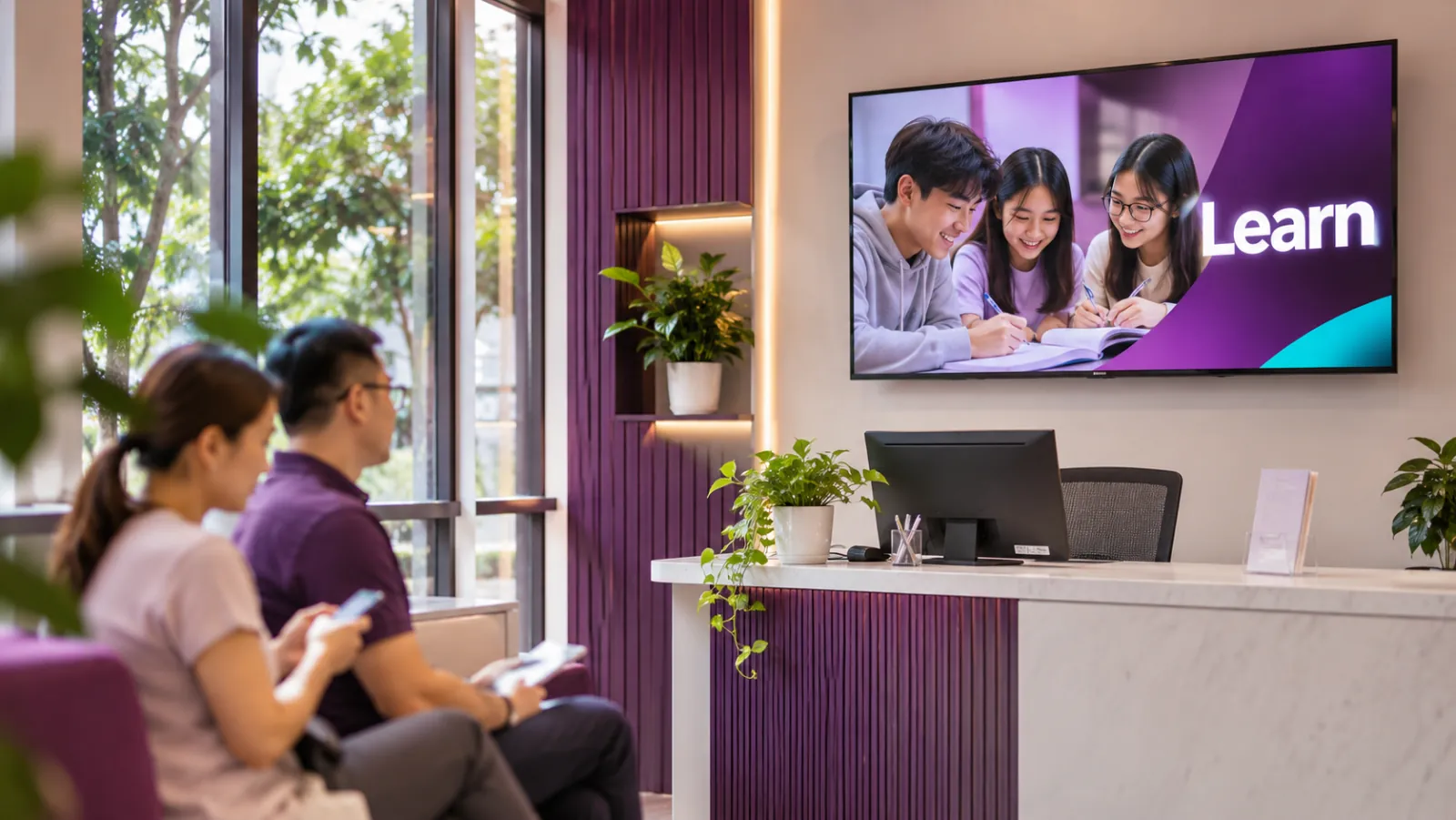
What a tuition centre can show
-
The weekly timetable
Each week's classes as an image, scheduled by date so the new week's timetable appears on Monday by itself.
-
Intake promos
New intake dates, trial classes and early-bird fees, each set to run only while the offer is open.
-
Meet the teachers
A slide for each teacher with the subjects they teach, so new parents know who is who.
-
Results, with permission
Results and awards your students are happy to share, with their and their parents' permission.
-
Notices and closures
School holiday hours, a replacement class or a festive closure, set between two dates.
-
Evening and weekend loops
A different playlist for evening classes and weekends, switching on its own.
A tuition week on screen
An example for a centre with one landscape TV in the lobby.
-
When: Every day, all day
What plays: Teachers and subjects (the everyday playlist)
Which screens: Lobby TV
-
When: Monday to Sunday of each week
What plays: That week's class timetable
Which screens: Lobby TV
-
When: The weeks before an intake
What plays: Intake dates and trial classes
Which screens: Lobby TV
-
When: Monday to Friday, 3pm to 9pm
What plays: Reminders for evening classes
Which screens: Lobby TV
-
When: School holidays
What plays: Holiday class timetable
Which screens: Lobby TV
Each row is one schedule in scheduling. Screens that are online switch by themselves in your shop's time zone; add dated rows, like a festive menu, ahead of each season.
A typical tuition centre setup
1 shop, 1 screen
RM29 /month
on the Essential plan
One landscape TV in the lobby where parents wait, running OutDeck Player on an Android TV or TV box. A centre with several branches gives each branch its own timetable.
Work out your own setupHow does a weekly timetable change by itself?
Save each week's timetable as an image and schedule it with that week's start and end dates, at a higher priority than your everyday playlist. When the next week starts, its timetable takes over by itself, so nobody has to change the screen on Monday morning.
Can a spare PC at reception run the lobby screen?
Yes, if it runs a 64-bit Windows 10 (version 1809 or later) or Windows 11. OutDeck Player for Windows plays your playlists on the screen wired to it, one screen per PC, managed from the same dashboard.
What does OutDeck not do for a tuition centre?
OutDeck plays the images and videos you upload. It does not take attendance, bookings or payments, and it does not connect to a school or student system. Share student photos and results only with permission.
Common questions
Can a tuition centre schedule next week's timetable in advance?
Yes. Schedule each week's timetable image with its own start and end dates. Each one takes over on its start date, so you can line up a whole term at once.
Can each branch of a tuition centre show its own timetable?
Yes. Each branch is a shop with its own screens and schedules, and you can share intake promos with every branch.
Can parents see the class timetable on their phones?
Not through OutDeck. It plays your timetable on your screens only, so post the same image on your own channels if parents want it on their phones.
Keep reading
- Schedule what every screen plays, by day and time Give each screen an everyday playlist, then switch to other playlists by date, day and time, even past midnight.
- Use an Android TV or TV box as a shop screen Turn an Android TV, or a TV with an Android TV box, into a shop screen. Install the app and type its code into your dashboard.
- Use a Windows PC as a shop screen Play your content on a Windows 10 or 11 PC. Download the player, sign in on the screen and pick a playlist.
- Run every shop and your whole team from one account All your outlets in one account, each in its own time zone, with managers and staff who see only the shops they look after.
- Gym screens for class timetables, membership promos and trainers This week's class timetable, membership promos and trainer profiles, with different content for the morning and evening crowds.
- Simple per-shop pricing for digital signage

Put your timetable on screen
Start a free demo, no card required.