Commercial display or normal TV: which should your shop use?
A normal TV is the cheapest way to start and suits an indoor menu board through a normal shop day. A commercial display costs more but is built for longer hours, brighter shop windows and business use under its warranty. Choose by how many hours the screen runs, how much daylight falls on it and where it hangs.
Updated
What is the difference between a commercial display and a TV?
A commercial display is a screen made for businesses: built to run long hours, often brighter, and covered for business use. A normal TV is made for a living room, which also makes it the cheaper of the two for the same size.
Hours, brightness and the warranty are the differences that usually decide which one a shop needs.
| What to compare | Normal TV | Commercial display |
|---|---|---|
| Hours a day | Made for home viewing, a few hours to an evening | Often rated for 16 hours a day, or round the clock |
| Brightness | Often about 200 to 400 nits | About 300 to 500 nits indoors, and 1,500 nits or more for windows |
| Hanging in portrait | Many are not designed for it | Usually allowed, and stated in the specification |
| Warranty | For home use; business use may not be covered | Covers business use, often for longer |
| On and off timers | A sleep timer, sometimes an on timer | Built-in on and off schedules |
| TV channels | Has a TV tuner | Usually none |
| Price | Lower: about RM1,000 to RM1,500 for a 43-inch Full HD smart TV | Higher for the same size |
When is a normal TV enough?
For most screens inside a shop. A normal TV is the cheapest way to start, and it suits an indoor menu board or promo screen that runs through your opening hours, out of direct sun.
- Check the manual for the hours it is meant to run each day.
- Set display hours in OutDeck to black out the screen when you close.
- Use the TV's own sleep or off timer too, because display hours do not switch the TV off.
- Keep it out of direct sun, which washes out the picture and warms the screen.
When is a commercial display worth the extra cost?
When the screen works much harder than a living room TV would.
- A window facing the street, where daylight falls on the screen.
- A shop open 24 hours, such as a self-service laundry, with the screen playing day and night.
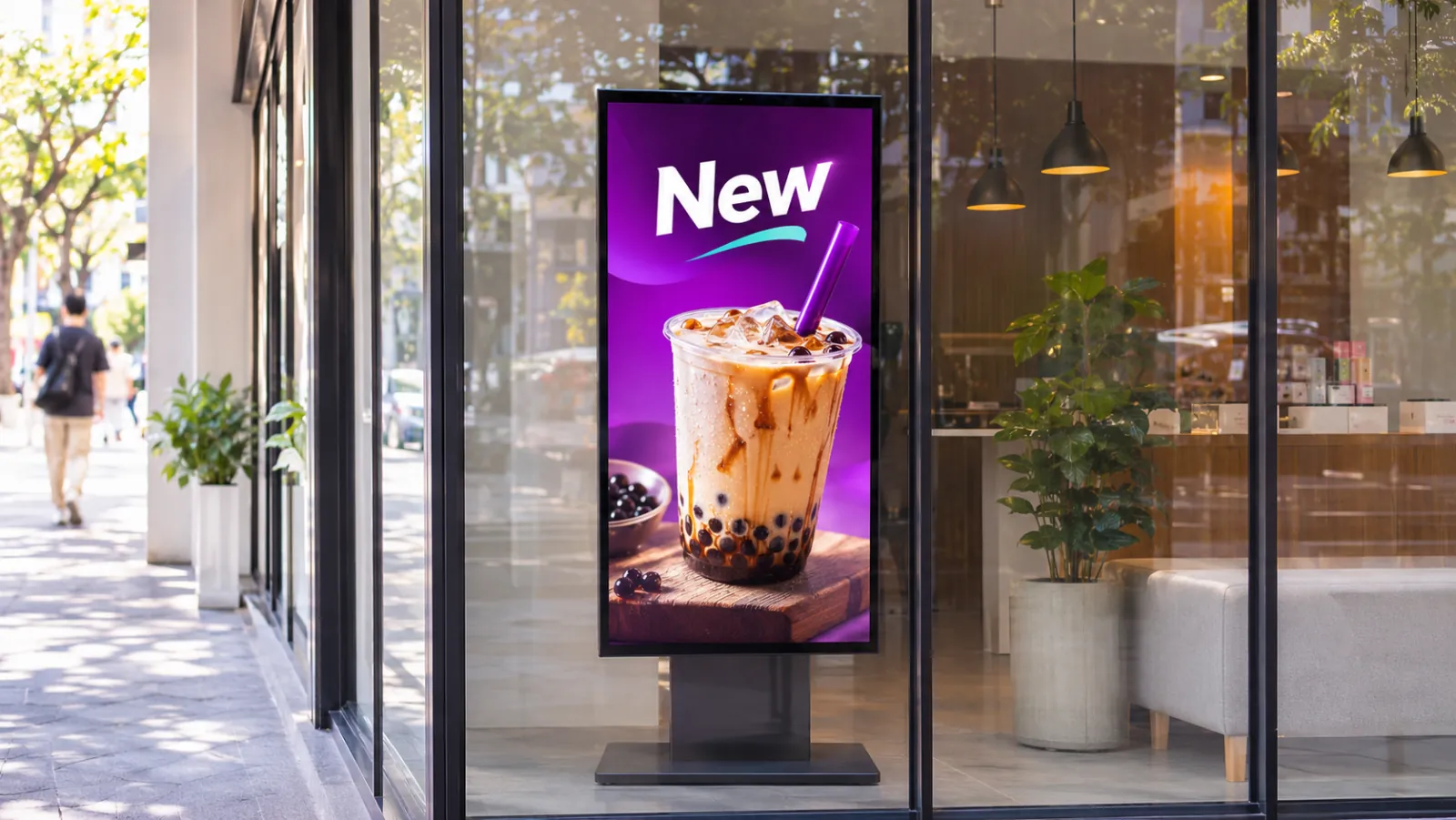
- A portrait standee, or a screen that hangs on its side for long hours.
- Screens in several branches, where you want a warranty that covers business use on every one.
You can mix the two: a normal TV behind the counter and a commercial display in the window. OutDeck runs both from one dashboard, and each counts as one screen on your plan.
Can a normal TV hang in portrait?
Sometimes. Many home TVs are not designed to hang on their side: heat may not leave the vents the way it should, and the warranty may not cover it. Check the manual before you mount one in portrait.
In OutDeck, choose portrait when you pair the screen and give it a portrait playlist. The picture is turned to match, so the screen can hang on its side. For a screen that stays in portrait all day, a commercial display or a standee made for it is the safer choice.
Which displays can run OutDeck Player?
A display with Android 8.0 or newer and Google Play runs OutDeck Player itself. Many commercial displays run their own system instead, so ask the seller which one before you buy.
- Android 8.0 or newer with Google Play: install OutDeck Player on the display itself.
- Its own system: plug an Android TV box into the HDMI port and run OutDeck Player on the box.
- A Windows 10 or 11 PC already wired to the screen works too, as one screen per PC.
No Google Play? Email hello@outdeck.app and we will send the app file. Either way, switch the screen off at the wall once and check it comes back to your playlist by itself.
How many nits does a shop screen need?
It depends on where the screen hangs. Brightness is measured in nits, and daylight on the glass is what washes out a picture.
| Where the screen hangs | About |
|---|---|
| Inside the shop, away from windows | 300 to 500 nits |
| A bright shop floor, or a shaded window | 700 to 1,000 nits |
| A window with some sun on the glass | 1,500 to 2,500 nits |
| A window in direct afternoon sun | 2,500 nits or more |
A normal TV is usually fine for the first row. For the last two, look for a display sold as high brightness or window facing, and see it running at midday before you commit.
Common questions
Can I leave a normal TV on all day in my shop?
Through your opening hours, usually yes, but check the manual for the hours it is meant to run. Set display hours in OutDeck to black out the screen after closing, and use the TV's own timer to switch it off overnight.
Does OutDeck work on a commercial display?
Yes, if the display runs Android 8.0 or newer with Google Play. If it runs its own system, plug an Android TV box into its HDMI port and run OutDeck Player on the box.
How bright should a shop window screen be?
Brighter than a home TV, because daylight washes out the picture. Where sun reaches the glass, look for about 1,500 to 2,500 nits, and test the screen at midday before you commit.
Keep reading
- Digital standee ads for shops and malls Swap printed standees and roll-up banners for a digital standee that plays portrait promos on a schedule, changed from your phone.
- Retail digital signage for window promos, sales and new arrivals Window promos, sales that start and stop by date, and portrait screens by the fitting rooms, rolled out to every branch.
- Screens for self-service laundries How-to slides, prices and promos for a shop with no staff, playing offline and changed from your phone.
- Use an Android TV or TV box as a shop screen Turn an Android TV, or a TV with an Android TV box, into a shop screen. Install the app and type its code into your dashboard.
- How to choose an Android TV box for a shop screen What to check before you buy an Android TV box for a shop TV, what it costs, and how to test it before you rely on it.
- How much does digital signage cost in Malaysia? What a shop screen really costs: the screen, an Android TV box if you need one, and the software, with first-year examples in Ringgit.

Use the screens you already have
Start a free demo, no card required, and try OutDeck Player on a screen you already own before you buy another.