USB stick or signage app: which is better for a shop TV?
A USB stick is the cheapest way to loop photos and videos on one shop TV, and it needs no internet. It gets slow once you have several TVs, change prices often or want different content at different times, because every change means copying files and walking to each TV. A signage app makes those changes from a phone or laptop.
Updated
How does playing from a USB stick work?
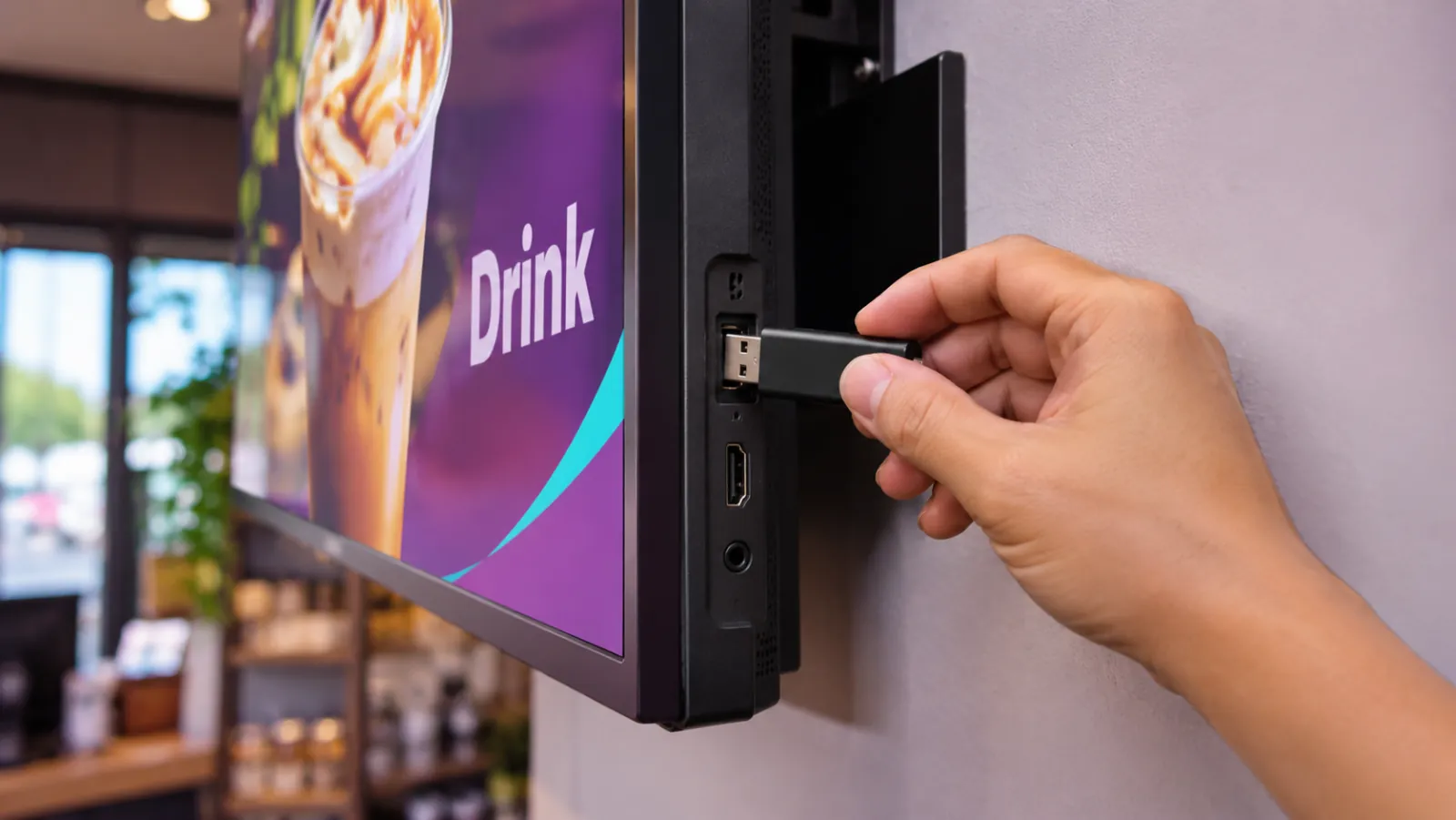
Most TVs have a media player built in. Copy photos and videos onto a USB stick, plug it into the TV and start a slideshow or a video on repeat. It needs no internet and no subscription.
What it can do depends on the TV: which file types it opens, whether it can loop photos and videos together, and how long each photo stays up all differ from model to model.
When is a USB stick enough?
A USB stick is a fine choice, and there is no reason to change, when all of these are true:
- You have one TV, or two at most.
- What it shows changes a few times a year, not every week.
- The same slides suit every hour of the day.
- There is no internet where the TV hangs.
Where does a USB stick fall short?
- Every change means copying files and walking to each TV, in every shop.
- Nothing switches by itself. A breakfast menu at 7am and lunch at 11.30am means someone swapping files at the right time.
- After a power cut, many TVs go back to their home screen, and someone has to start the slideshow again.
- You cannot check from the office, or from another shop, which TVs are working.
- It is easy to plug in the wrong stick, or an old copy of the menu.
What changes with a signage app?
- You change what plays from a browser on your phone or laptop, for one TV, a group of TVs or a whole shop.
- Online screens pick up your changes within seconds, by themselves.
- Schedules switch menus and promos by date, day and time of day, even past midnight.
- Each screen keeps a saved copy and keeps playing if the internet drops.
- The dashboard shows which screens are online and when each last checked in, and proof-of-play reports show what each one played.
- Display hours black out the screens after closing.
How do the two compare day to day?
The everyday jobs that take the most time, done each way.
| Job | With a USB stick | With OutDeck |
|---|---|---|
| Change a price on three TVs | Edit the file, copy it to the stick, then visit each TV | Swap the slide once in the playlist; online TVs update within seconds |
| Breakfast menu, then lunch | Swap the files by hand at the right time | Set the times once; it switches by itself every day |
| After a power cut | Often back at the TV's home screen; start the slideshow again | Back to the playlist by itself, once "Display over other apps" is allowed |
| The internet drops | Not affected | Keeps playing its saved copy, then catches up |
| Check the TVs are working | Walk over and look | See which screens are online from anywhere |
| What it costs | The stick, plus your time | From RM29 a month for one shop |
What does a USB stick really cost?
The stick costs a few ringgit; the changes cost time. As an example, a shop with three TVs that changes its slides twice a month, at about 15 minutes per TV each time, spends about one and a half hours a month on it. With several shops, add the travel.
OutDeck plans start at RM29 a month for one shop, with a set number of screens in each shop, so adding a TV inside your plan costs nothing more. The free demo lets you try it first.
How do I move from a USB stick to OutDeck?
- Use the same files: JPG, PNG or WebP images and MP4 or MOV videos, up to 100 MB each.
- An Android TV on Android 8.0 or newer runs OutDeck Player itself. A TV that is not Android needs an Android TV box on its HDMI port.
- Start with the free demo, no card required, on 1 screen, and keep the USB stick until you are happy.
- Upload your files, build a playlist and give the TV its everyday playlist.
Common questions
Will a USB slideshow start again by itself after a power cut?
It depends on the TV. Many go back to their home screen or last input, and the slideshow has to be started again by hand. OutDeck Player starts by itself after a power cut once "Display over other apps" is allowed.
Can I use the files from my USB stick in OutDeck?
Yes, if they are JPG, PNG or WebP images or MP4 or MOV videos of 100 MB or less. Upload them to your media library and add them to a playlist.
Do I still need the USB stick once I use OutDeck?
No. Each screen downloads its playlist from your dashboard and keeps a saved copy, so there is nothing to plug in.
Keep reading
- Per-shop or per-screen pricing: which costs less?
- Screens that keep playing when the internet drops Each screen saves its playlist and media, so once downloaded it keeps playing when the internet drops, then catches up when it reconnects.
- Schedule what every screen plays, by day and time Give each screen an everyday playlist, then switch to other playlists by date, day and time, even past midnight.
- Get OutDeck Player for your shop screens
- How much does digital signage cost in Malaysia? What a shop screen really costs: the screen, an Android TV box if you need one, and the software, with first-year examples in Ringgit.
- How to turn your shop TV into a digital menu board Turn the TV behind your counter into a menu board, step by step: check the TV, pair it, design the menu and switch it by time of day.

Retire the USB stick
Start a free demo, no card required, and try your own slides on your own TV.